Draw and edit
Draw and reshape paths with the pen, pencil and warp tools, and use the perspective grid and dimensions as drawing aids.
Draw and edit
9 pagesPaths
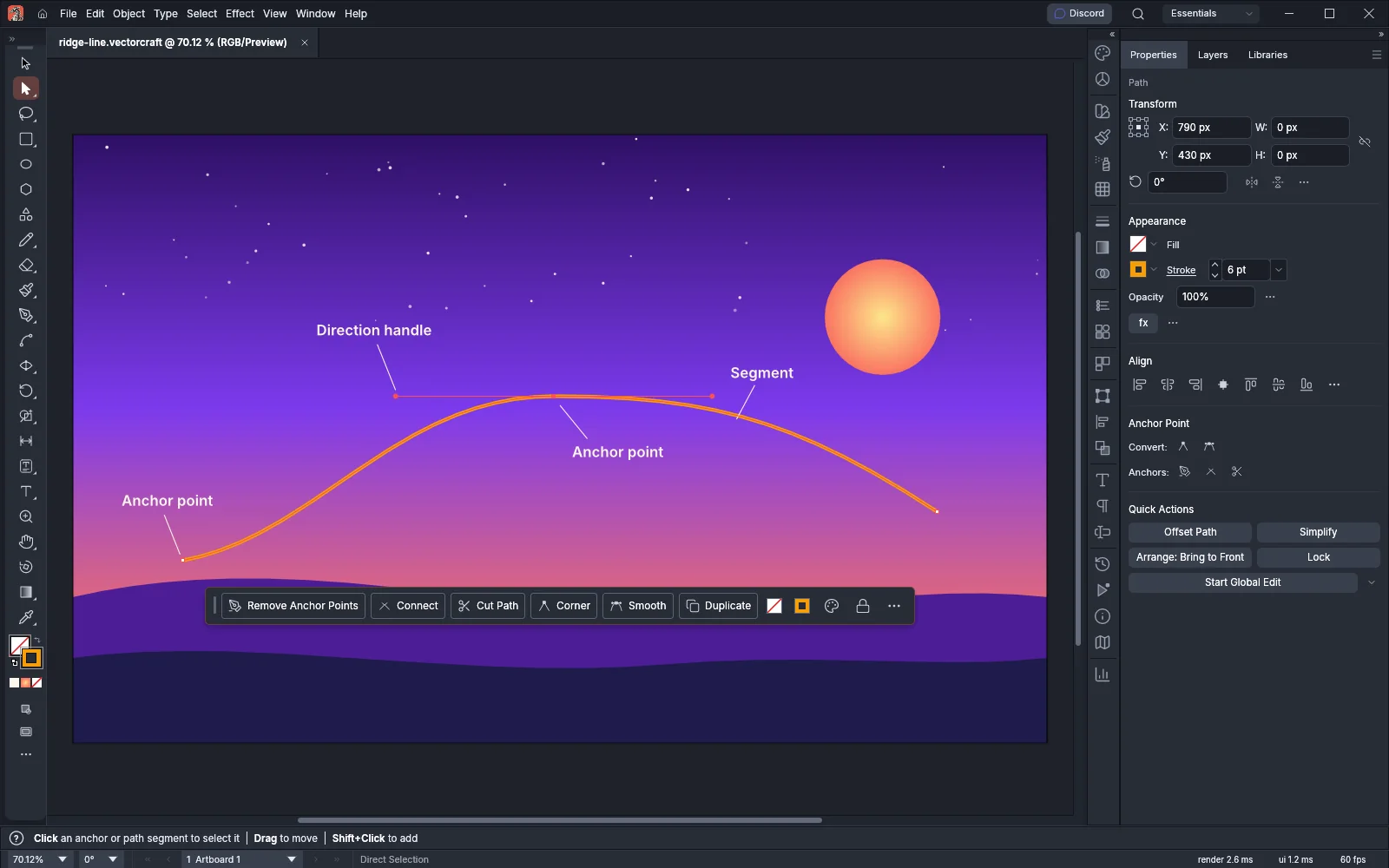 GuideDraw and edit pathsDraw with the Pen, Curvature and Pencil tools, then edit the anchor points.
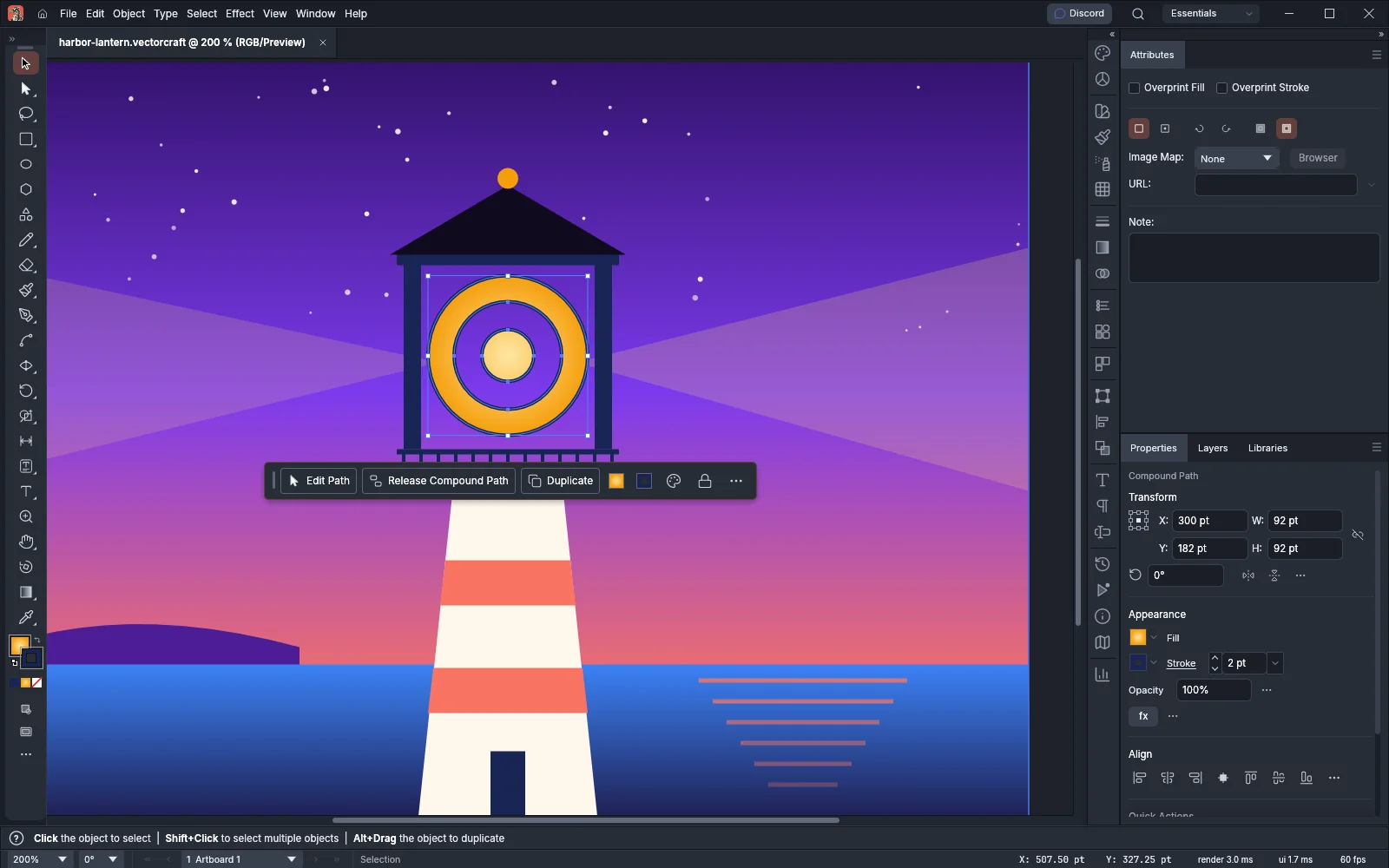 GuideSet path direction and fill ruleChoose which overlapping areas fill and which become holes.
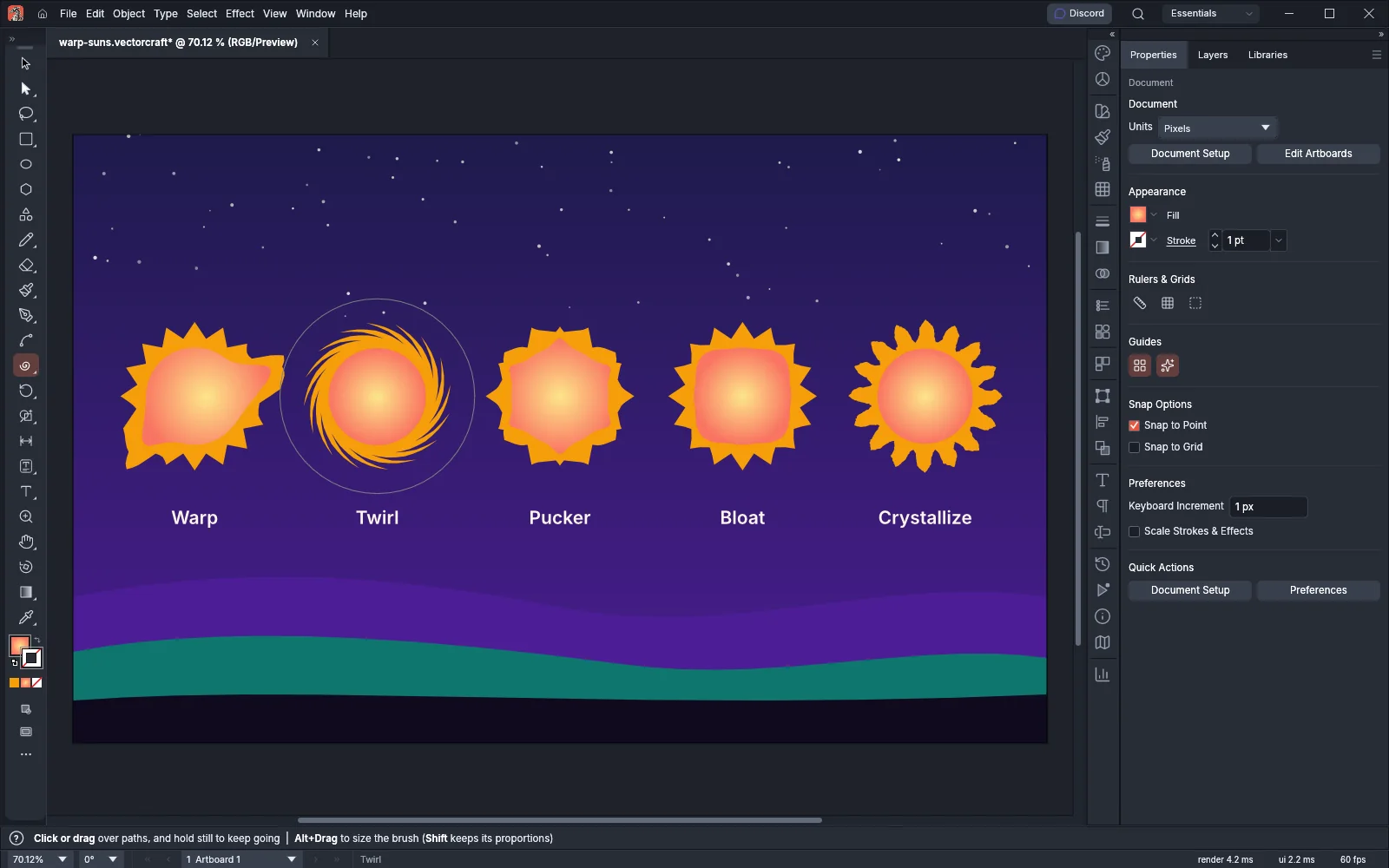 GuideReshape with the warp toolsPush, twist and bend art with the warp tools, Puppet Warp and envelopes.
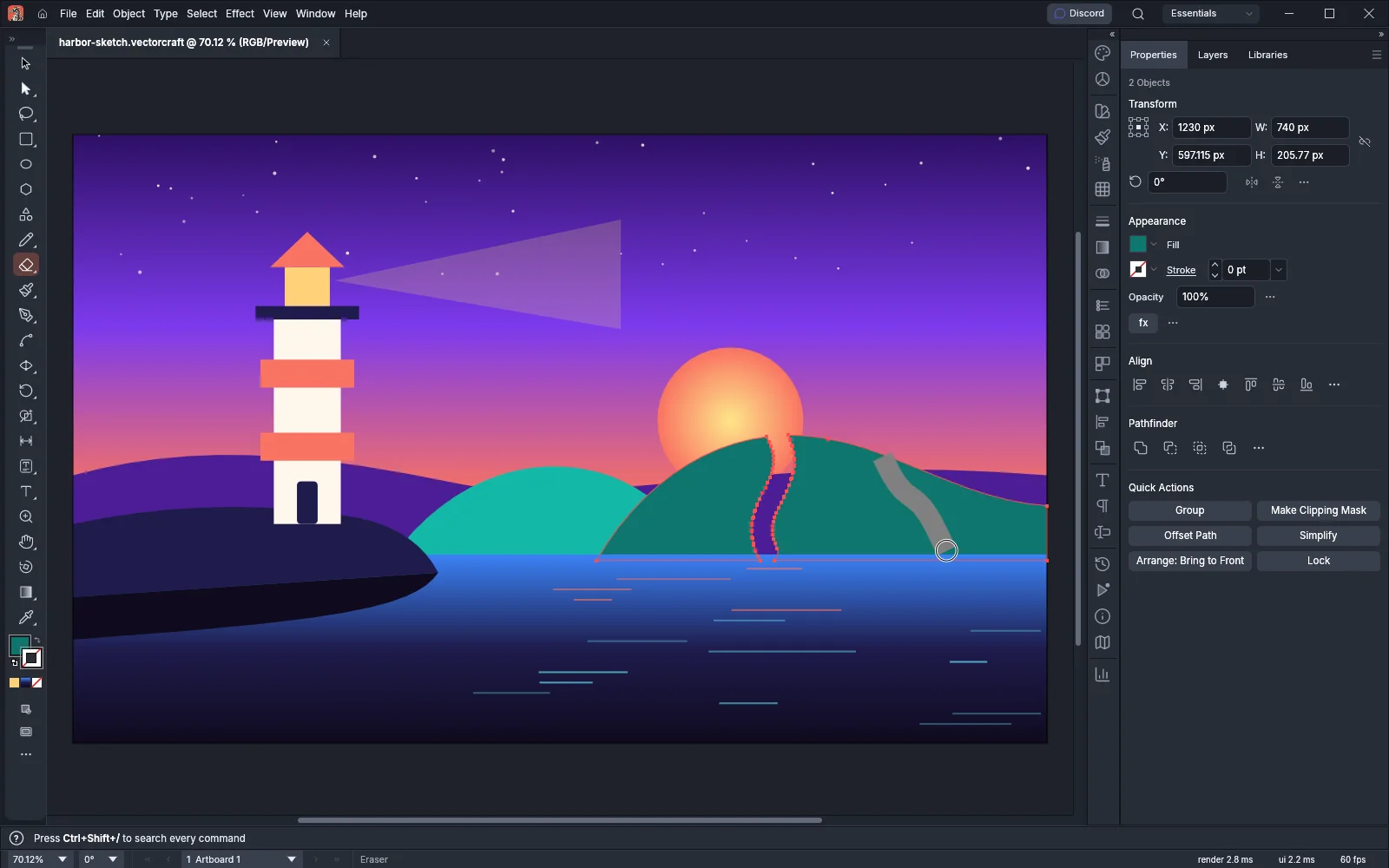 GuideCut, join and refine pathsErase, cut and join paths, then clean up anchor points and corners.
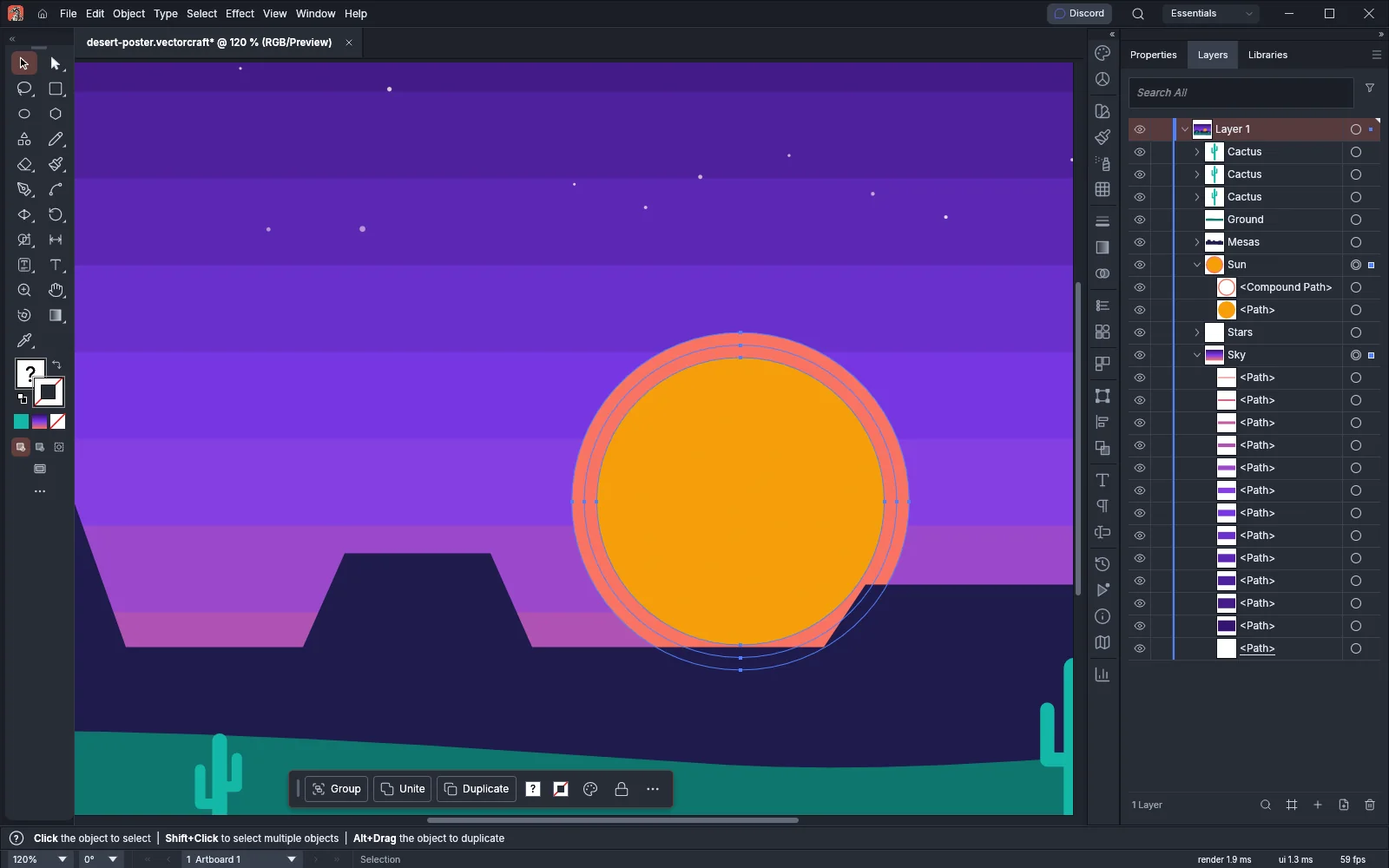 GuideExpand objects into pathsTurn live objects, fills and strokes into plain art you can edit.
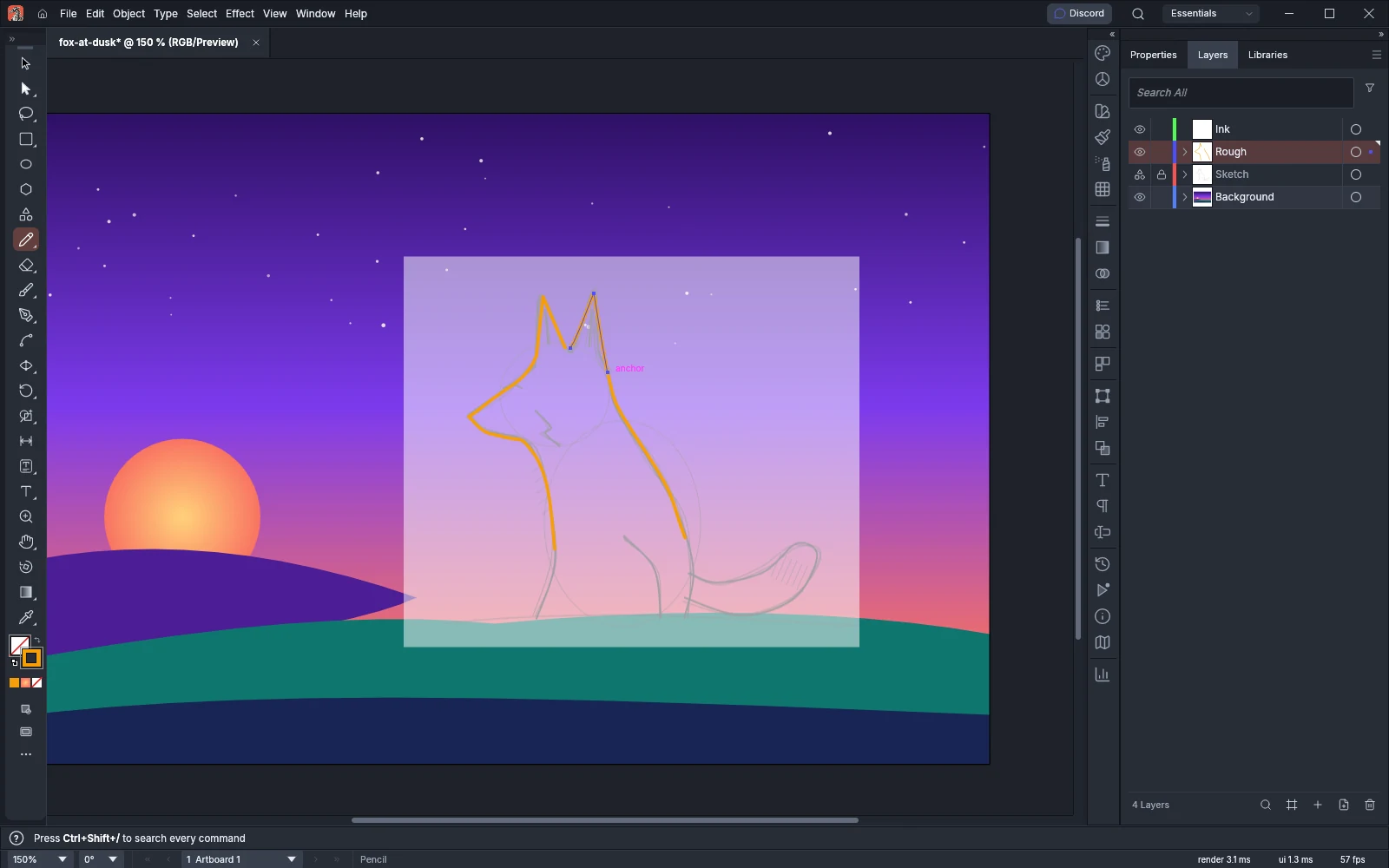
Freehand
Drawing aids
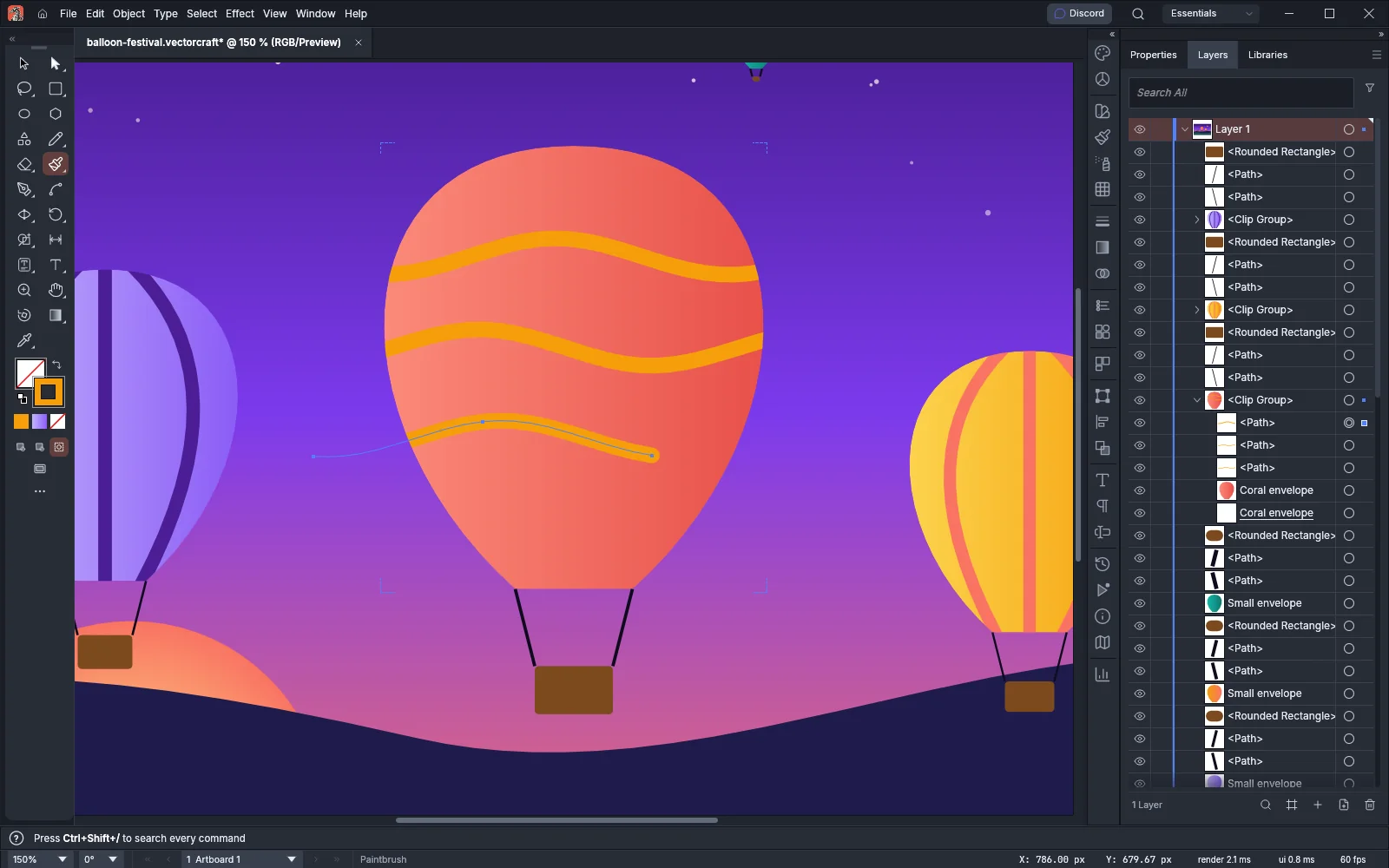 GuideDraw behind and inside objectsPut new art behind an object, or clip it inside a shape or type as you draw.
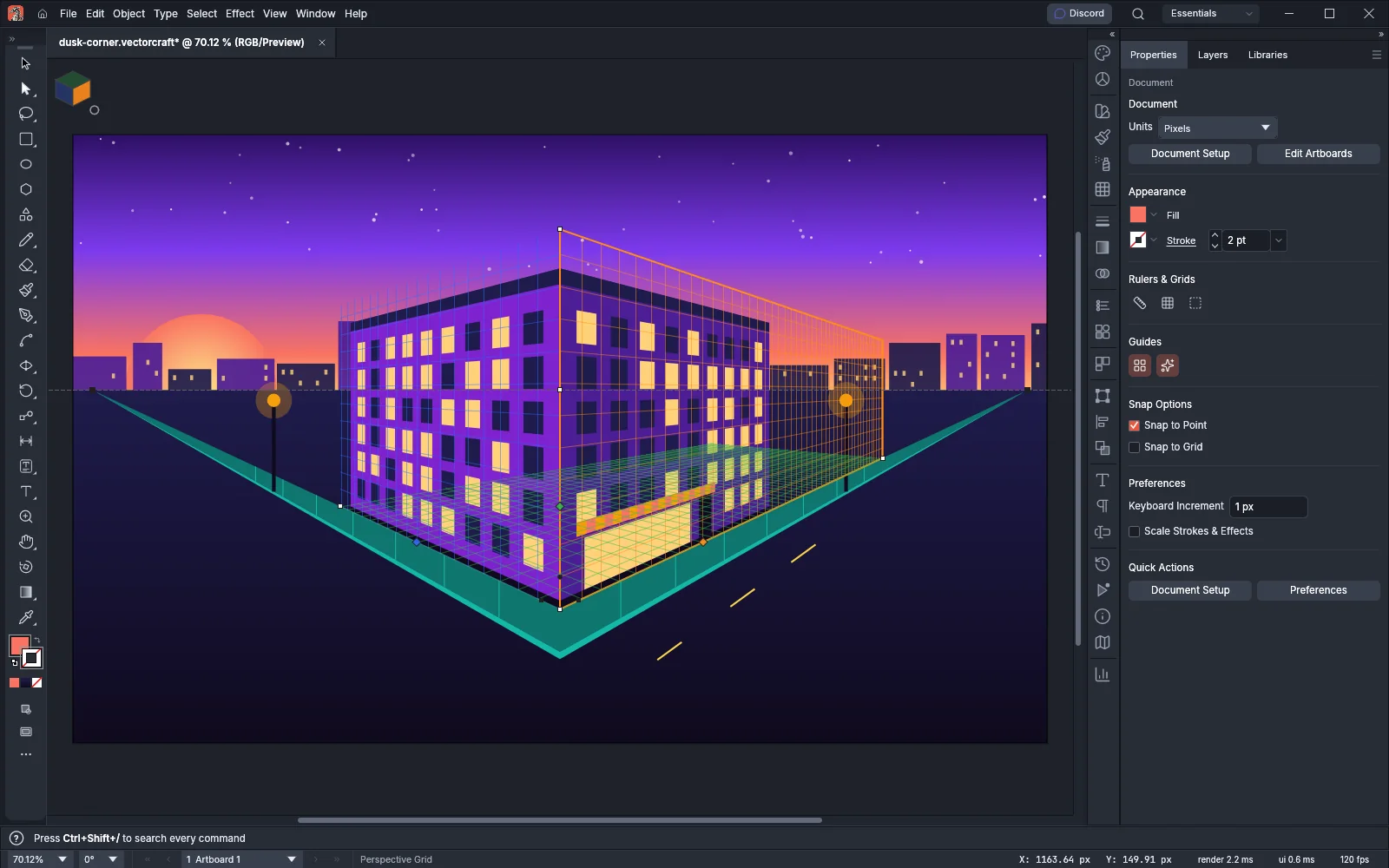 GuideDraw in perspectiveDraw shapes and type on one-, two- or three-point perspective grids.
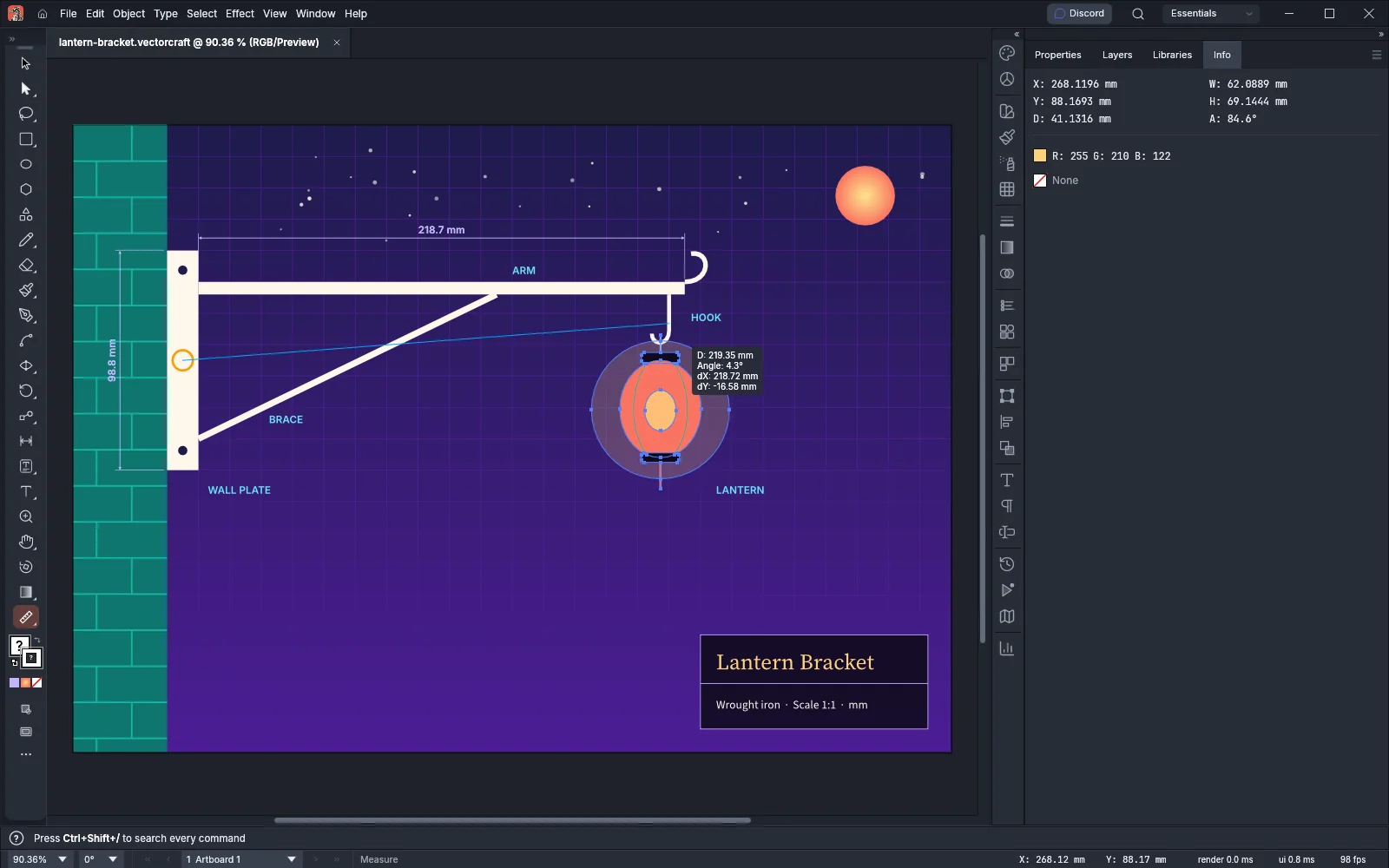 GuideMeasure and dimensionMeasure distances and add dimensions that follow the art when it changes.