DeckCraft
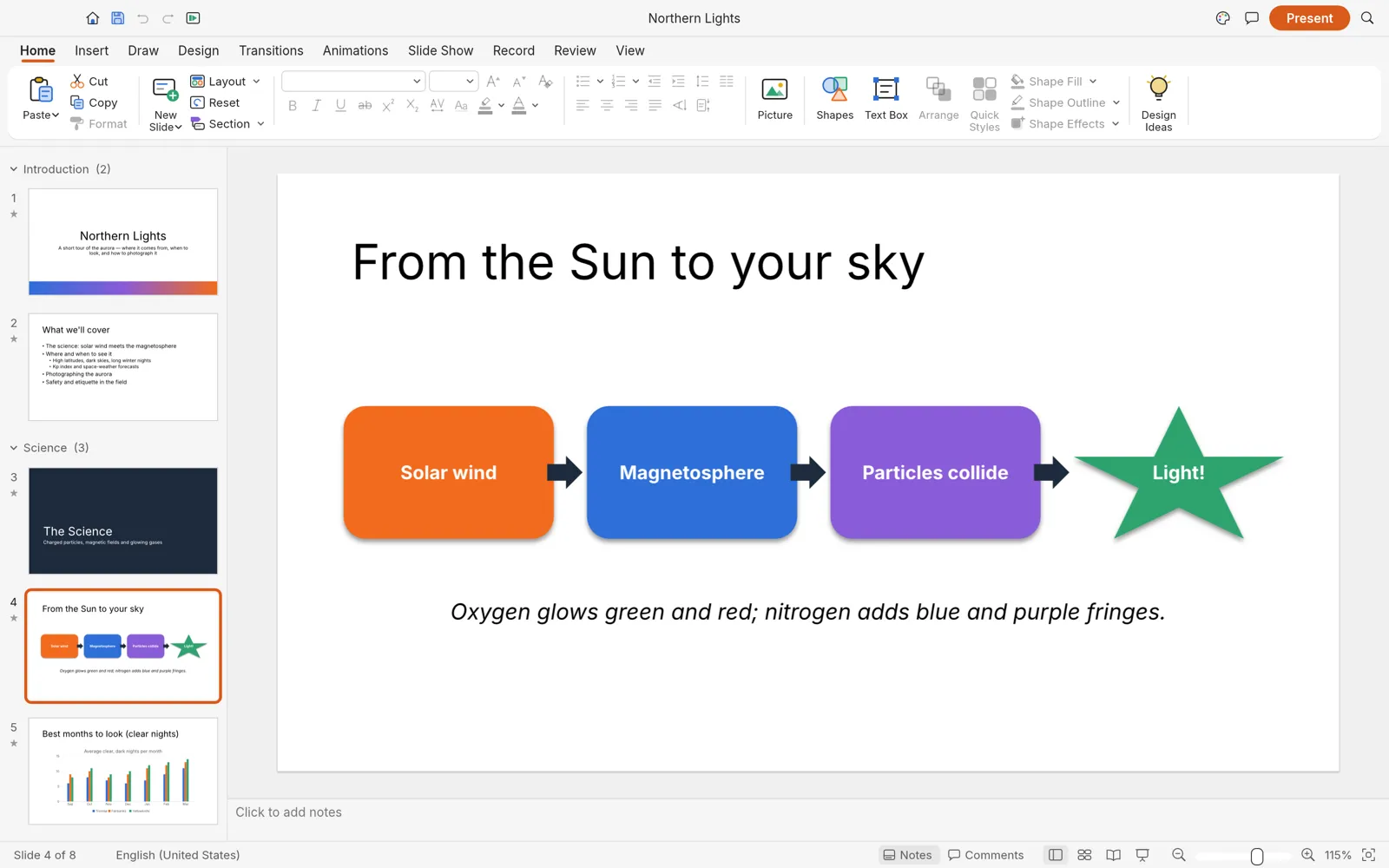
DeckCraft is an app for making presentations and giving slide shows. If you have used a modern presentation app, it will feel familiar: the ribbon, slide layouts, themes, transitions, animations and presenter view are all there. It opens and saves .pptx files, and runs on Windows, macOS, Linux, FreeBSD and in a web browser. It is free and open source (MIT or Apache-2.0), and made by the ArtCraft team.
What it does
Section titled “What it does”- Slides: slide masters and layouts with placeholders, themes with color and font schemes, sections, speaker notes, headers and footers, and custom slide sizes.
- Shapes and drawing: preset shapes with adjust handles, connectors that stay attached, freeform drawing, merging shapes, gradient, picture and pattern fills, shadows, glow, soft edges and reflections.
- Text: font and paragraph formatting, bullets and numbering, columns, WordArt, links, and spelling checked as you type.
- Content: pictures with cropping, tables, charts, SmartArt, icons, equations, audio and video.
- Transitions and animations: slide transitions including Morph, and entrance, emphasis, exit and motion path animations.
- Slide shows: full screen, Presenter View with your notes and the next slide, a pen and laser pointer, and rehearsed timings. See Slide shows.
- Review: comments, spelling, a thesaurus, an accessibility checker, and comparing two versions.
Your files
Section titled “Your files”DeckCraft opens and saves .pptx presentations. It also opens .potx templates and .ppsx shows, has its own .deckcraft format, and can start a presentation from an outline in a .txt or .md file. It exports PDFs (slides, notes pages or handouts), PNG and JPEG pictures, an animated GIF of the deck, and the outline as .txt or .rtf.
DeckCraft can’t open old binary PowerPoint files (.ppt, .pot and .pps), OpenDocument presentations (.odp), or presentations that need a password to open. In PowerPoint or LibreOffice, save a copy as .pptx first.
What you need
Section titled “What you need”- Windows (64-bit, ARM or 32-bit), macOS (Apple silicon or Intel), Linux, or FreeBSD.
- Or a modern web browser, for the web version.
DeckCraft’s menus and buttons are in English only for now. Slide text in other languages works.
Guides
Section titled “Guides”- Getting started: make and save your first presentation.
- Install and update: download DeckCraft for your system.
- Workflows: themes, layouts, shapes, charts, transitions, animations and export.
- Slide shows: present full screen or with Presenter View.
- AI agents: let an AI assistant build presentations.
- Troubleshooting: fix common problems.