What is vector art?
Raster
Most people are familiar with raster artwork on a computer: a rectangular image made up of square pixels (picture elements). When you zoom in to enlarge a raster image, you can see the individual pixels that make up the image.
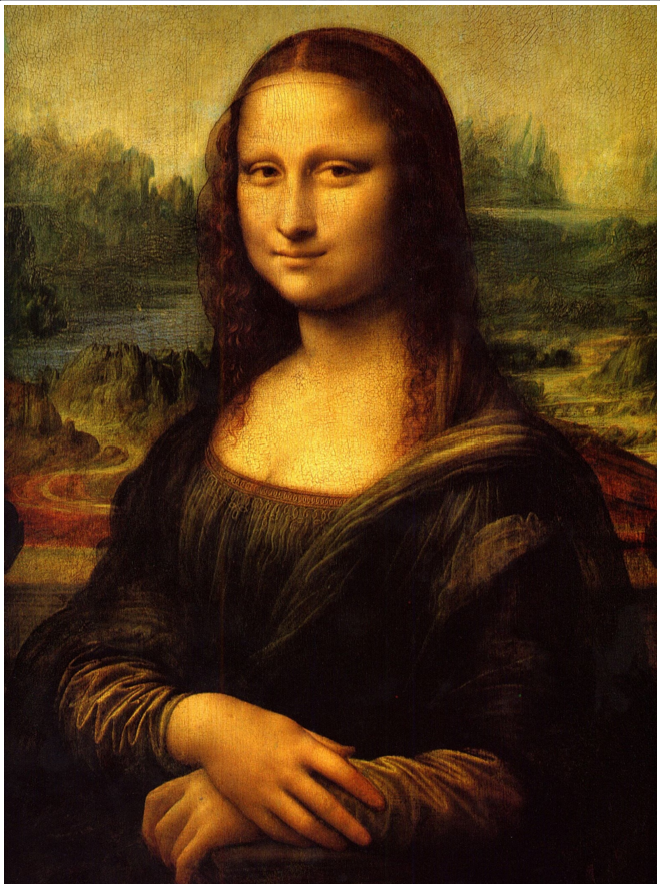
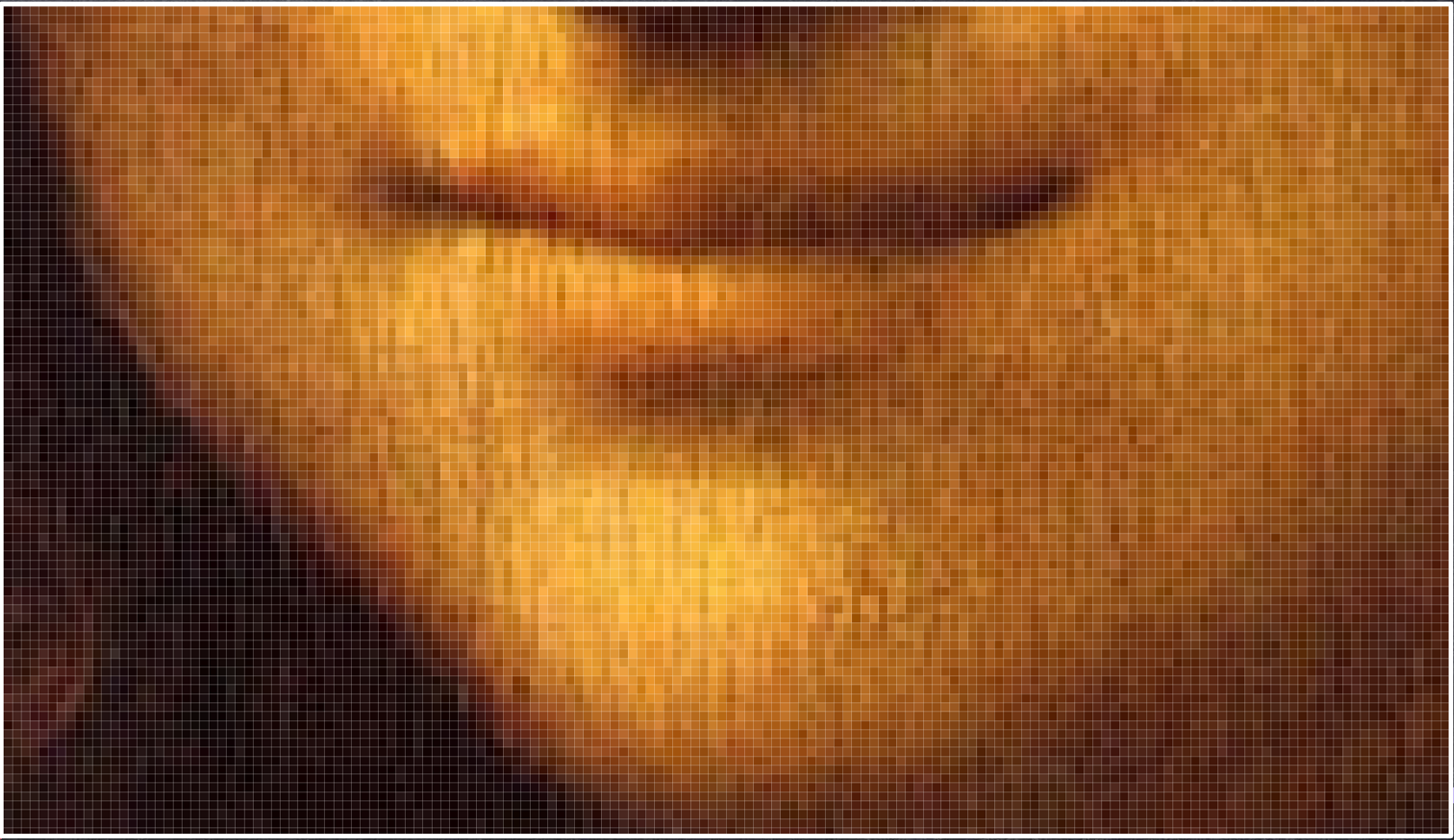
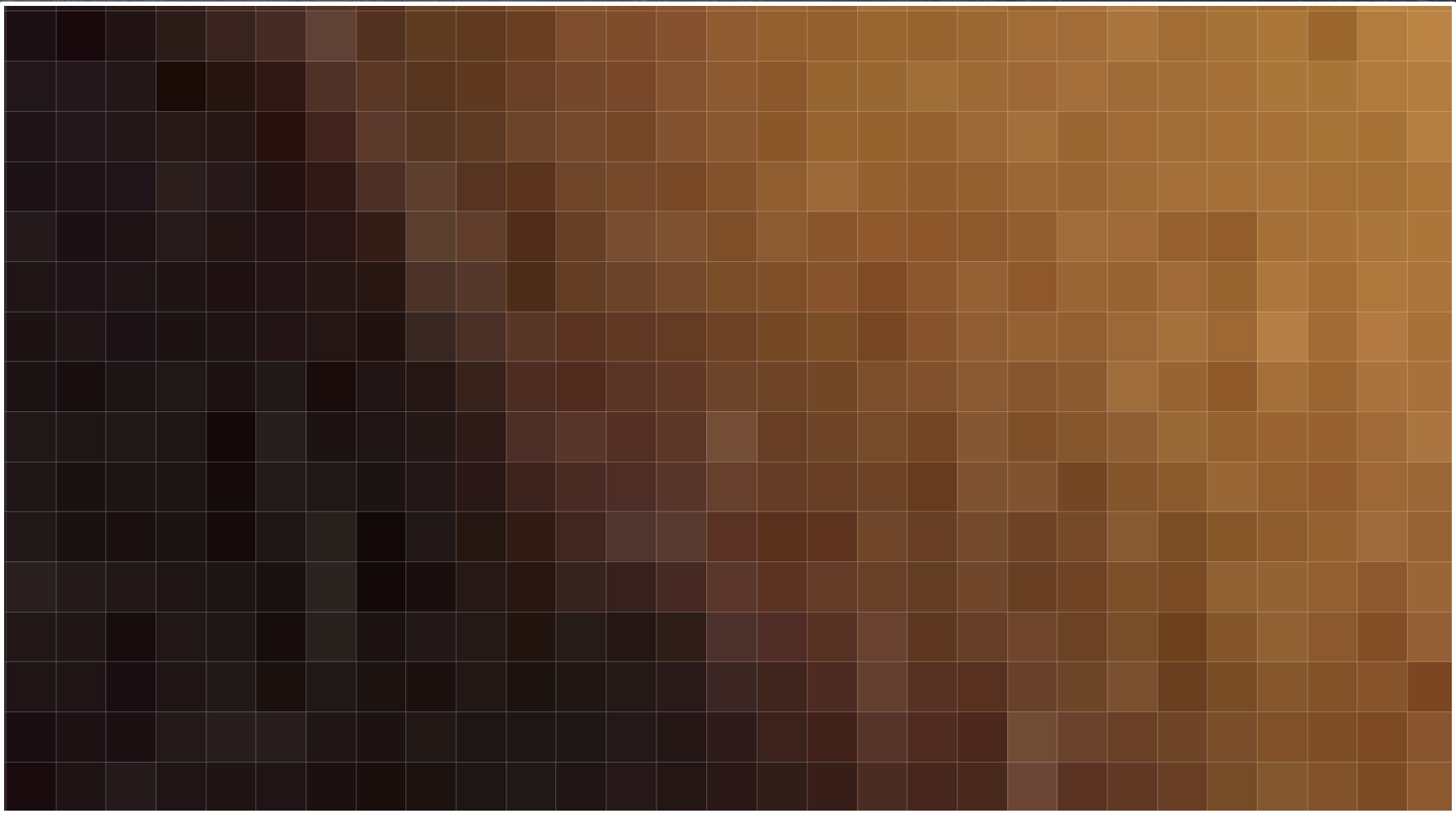
The computer stores this grid of pixels, and each pixel’s individual colour.
When you enlarge part or all of a raster image, these pixels become more apparent.
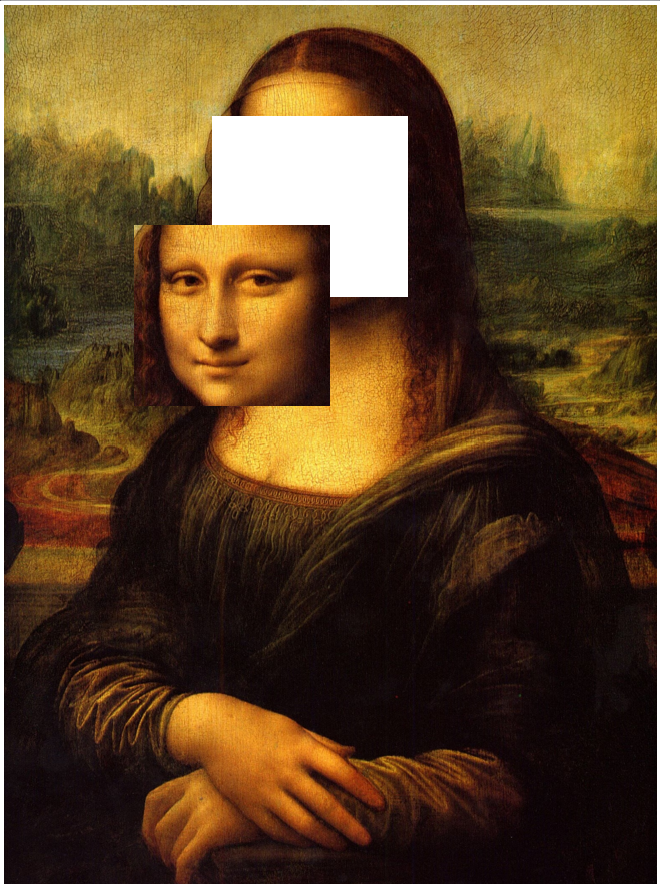
If you select part of a raster image and move it away, it’s like taking a pair of scissors to a painting’s canvas: the section leaves a hole in the image! When you place that piece of the image elsewhere, it fuses to the rest of the picture, overwriting all of the pixels that it overlaps.
Vector
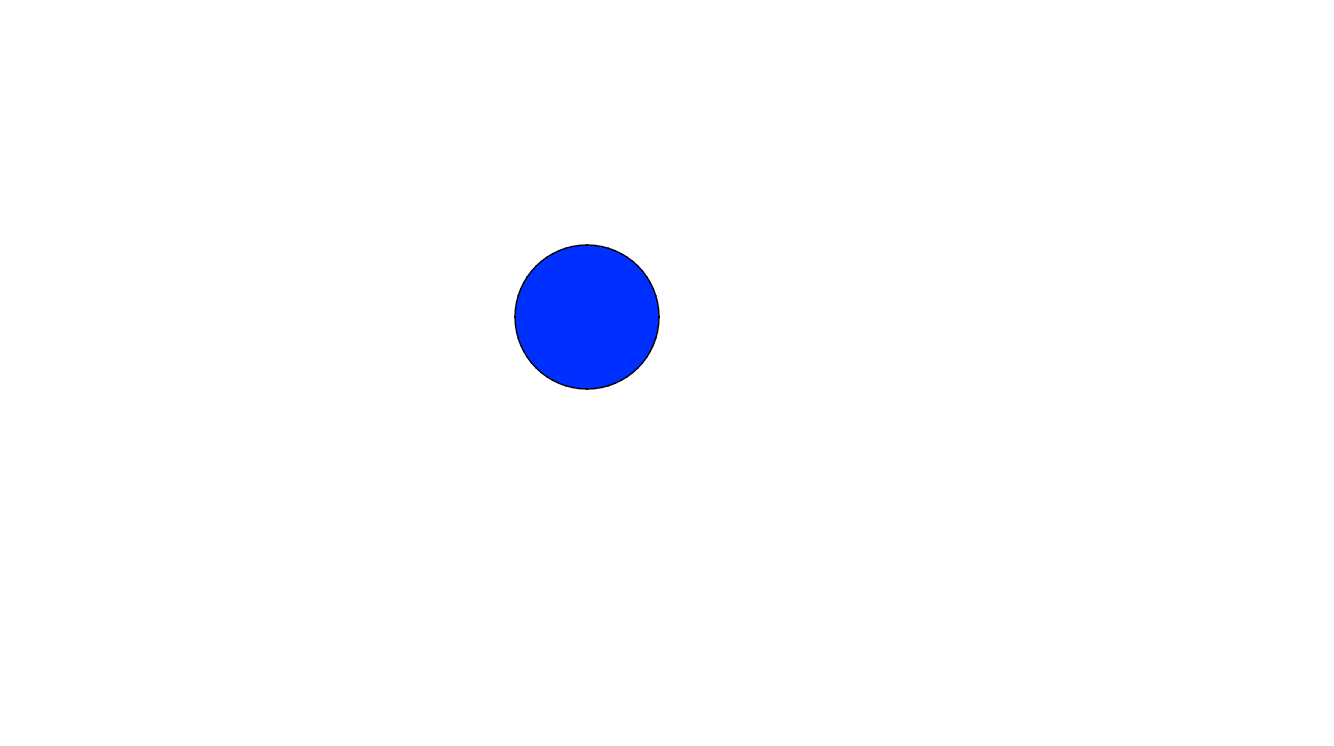
Vector artwork is drawn with math. When you draw a vector circle, the computer isn’t remembering pixels: it’s remembering the width and height of the circle, its fill colour, and its stroke.
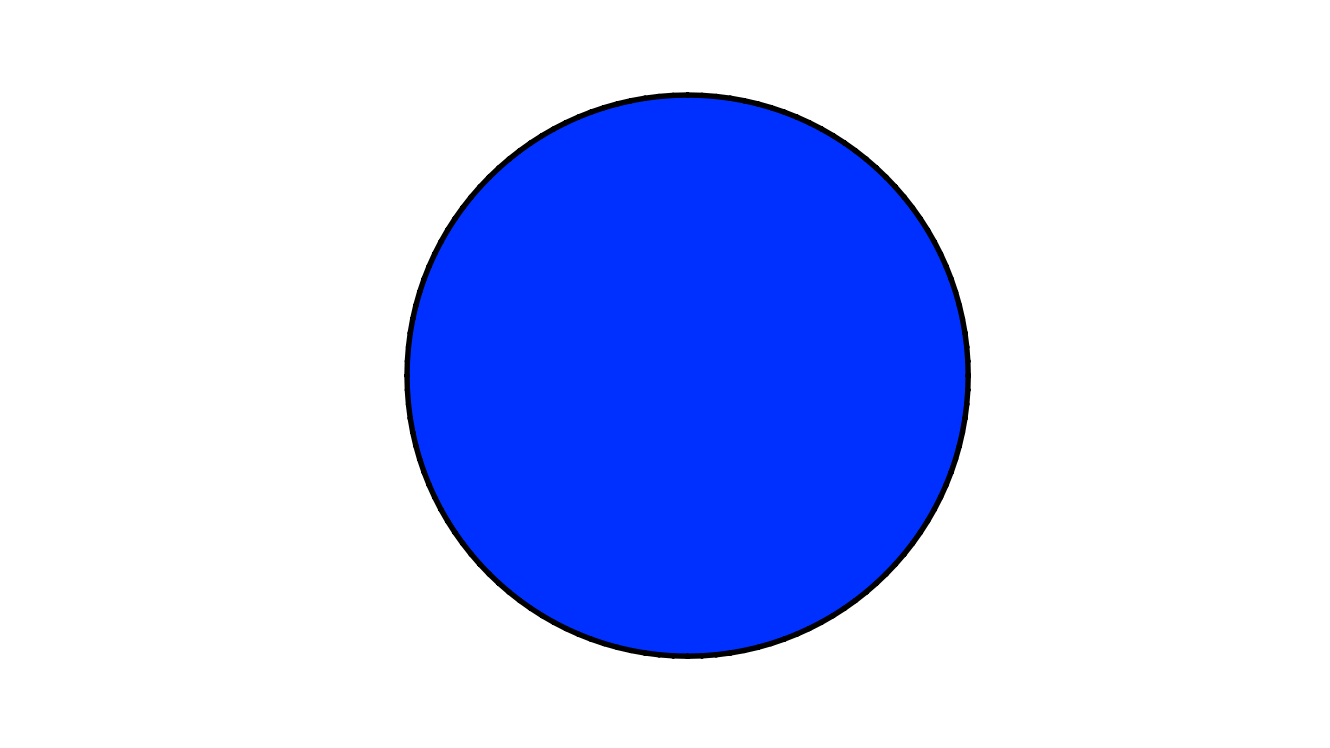
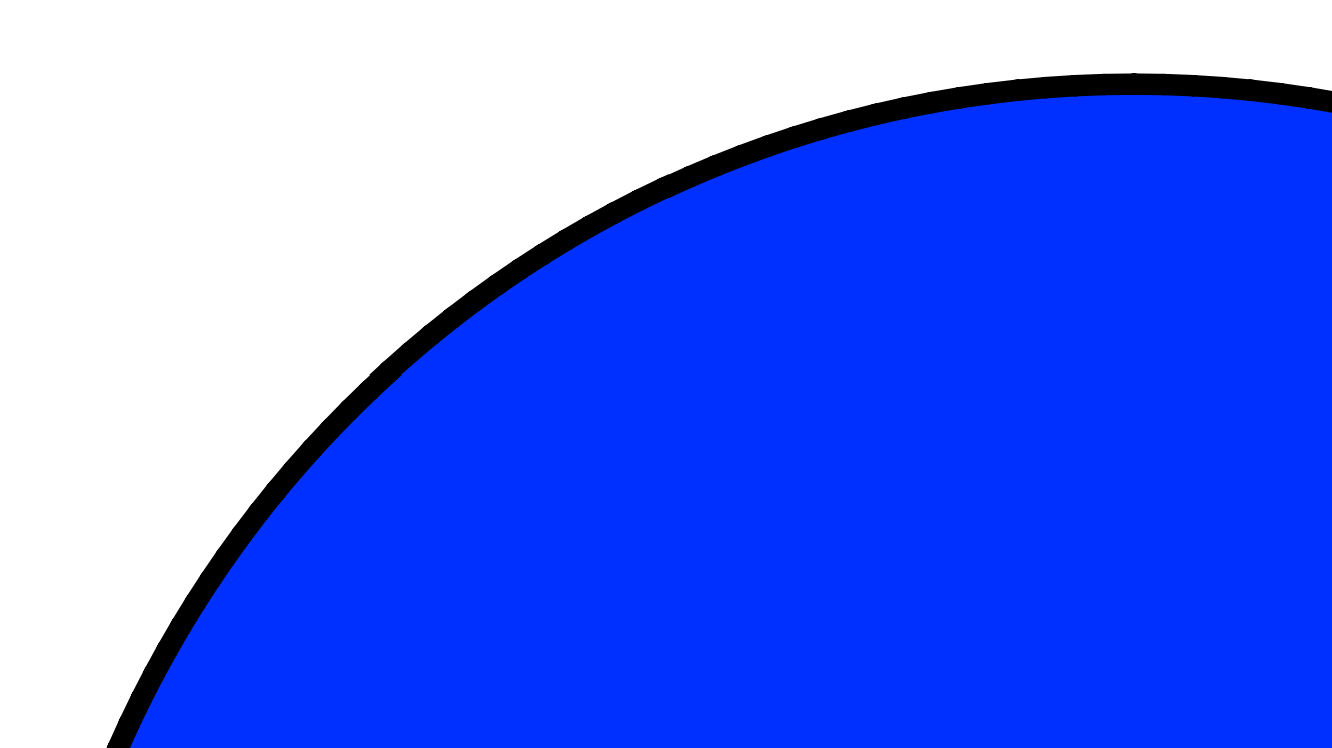
You can resize vector artwork without any quality loss.
In many vector drawing packages, elements can overlap each other without destroying what’s underneath. AniCraft can work this way, but by default, the vector Shapes interact with each other in interesting ways.
Next: Stroke vs. Fill