Combining and Cutting Shapes
“Boolean” is a computer graphics term that refers to shapes or objects combining with, intersecting, or excluding each other.
AniCraft performs automatic boolean operations based on certain rules.
Rule #1: Same colours combine.
Section titled “Rule #1: Same colours combine.”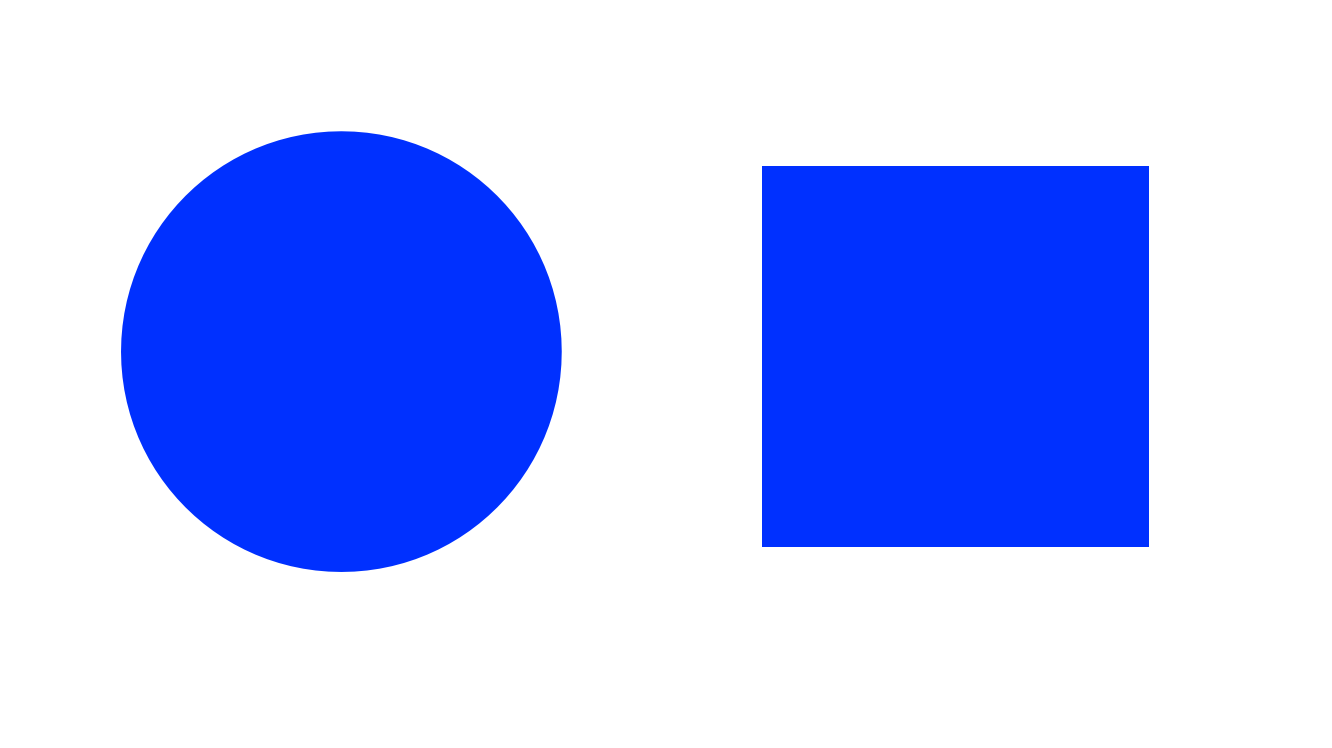
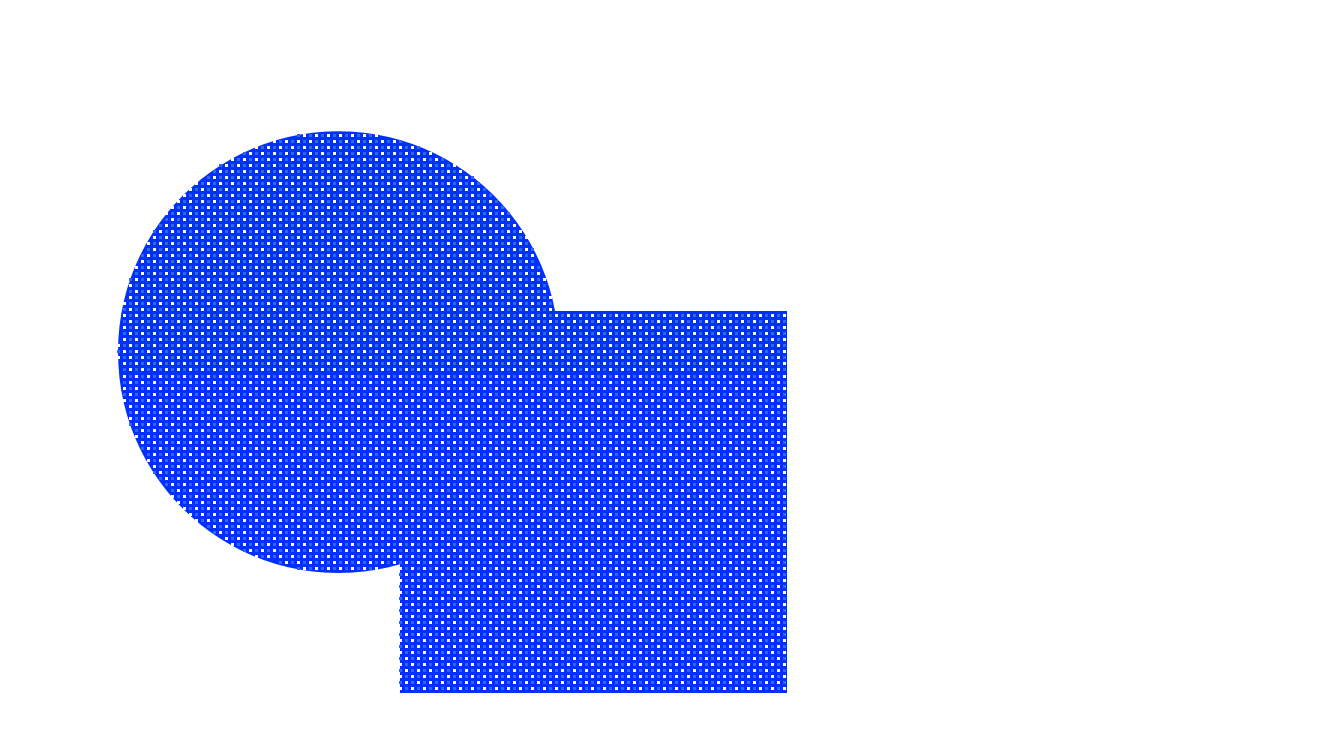
When two fill shapes with the same colour overlap, they combine to form one shape.
Rule #2: Different colours subtract.
Section titled “Rule #2: Different colours subtract.”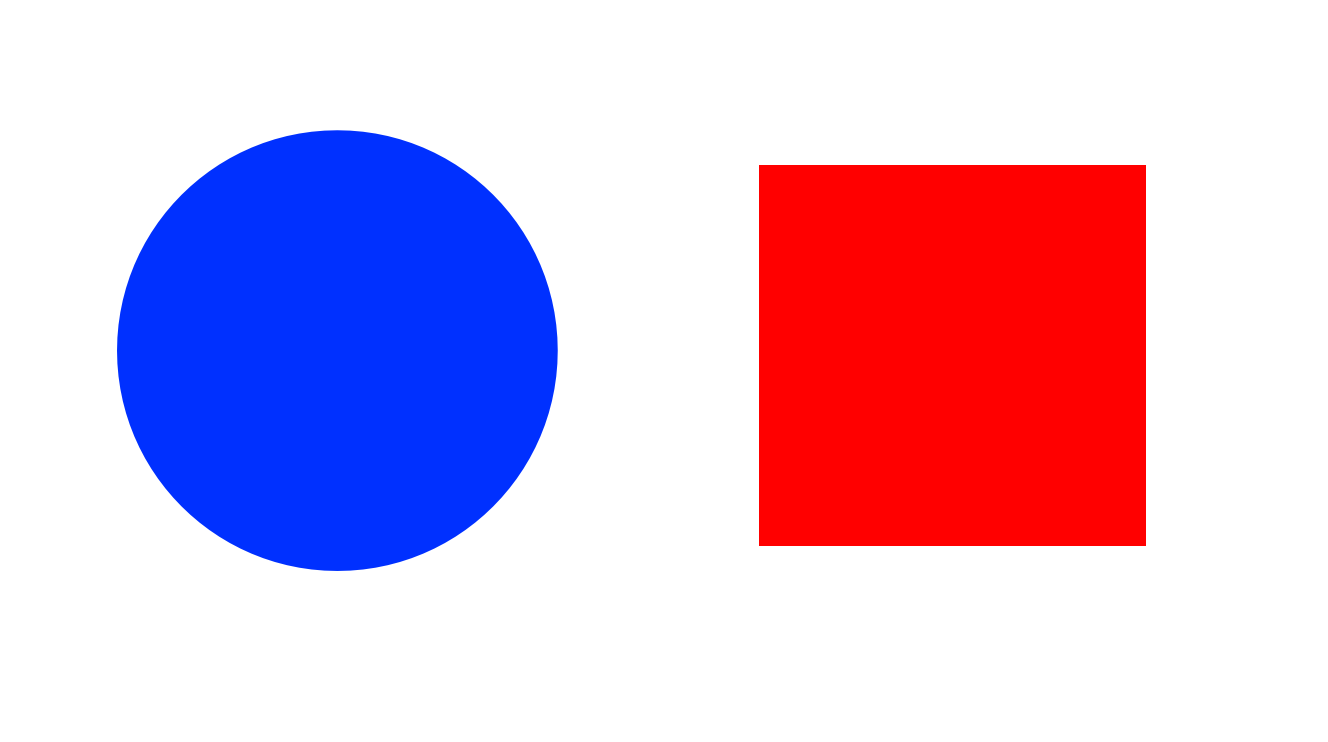
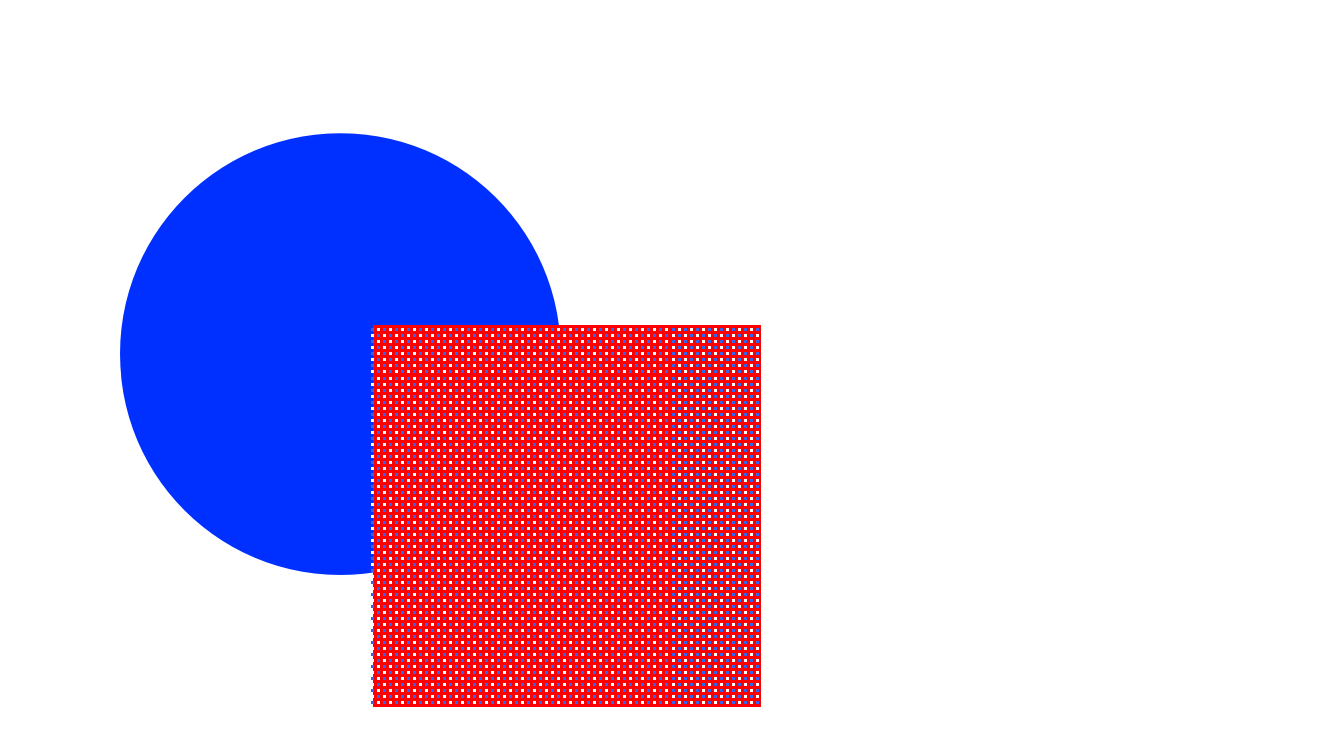
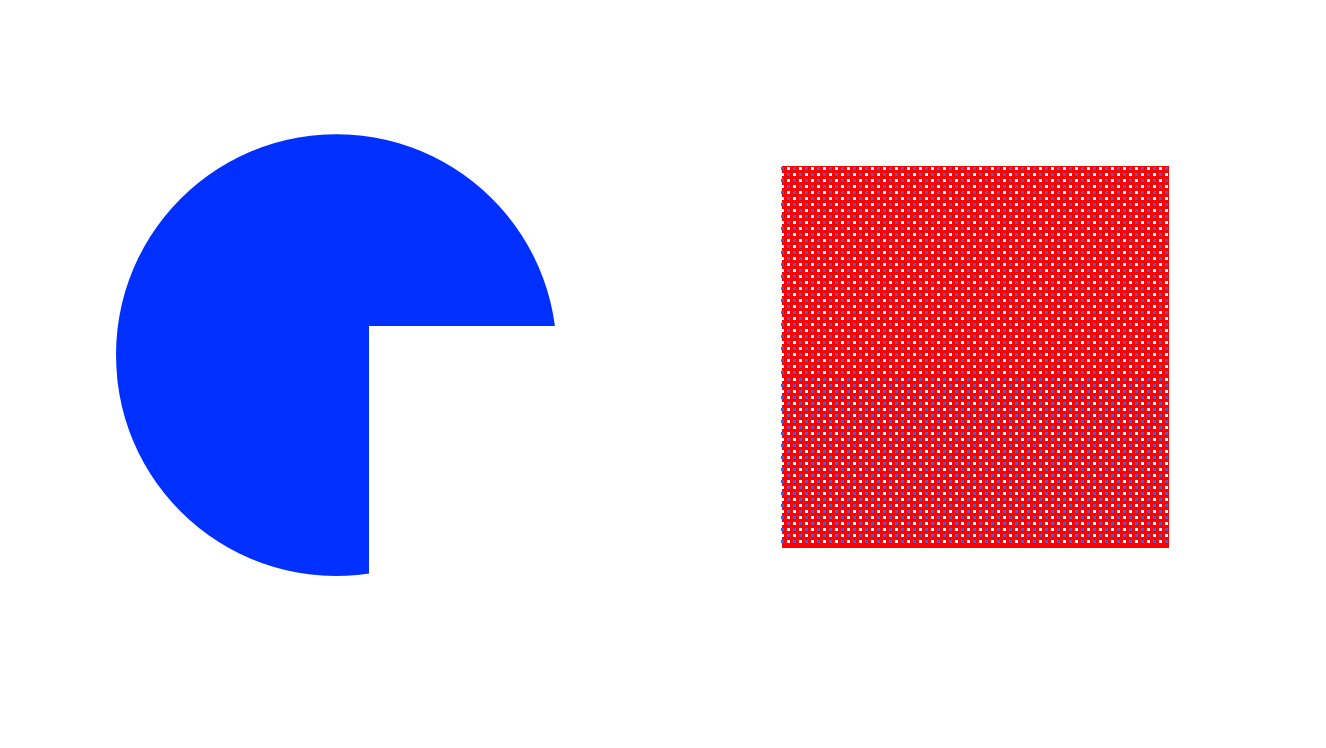
When a fill shape with one colour overlaps a fill shape with a different colour, it “takes a bite” out of the other shape.
Rule #3: Strokes cut fills.
Section titled “Rule #3: Strokes cut fills.”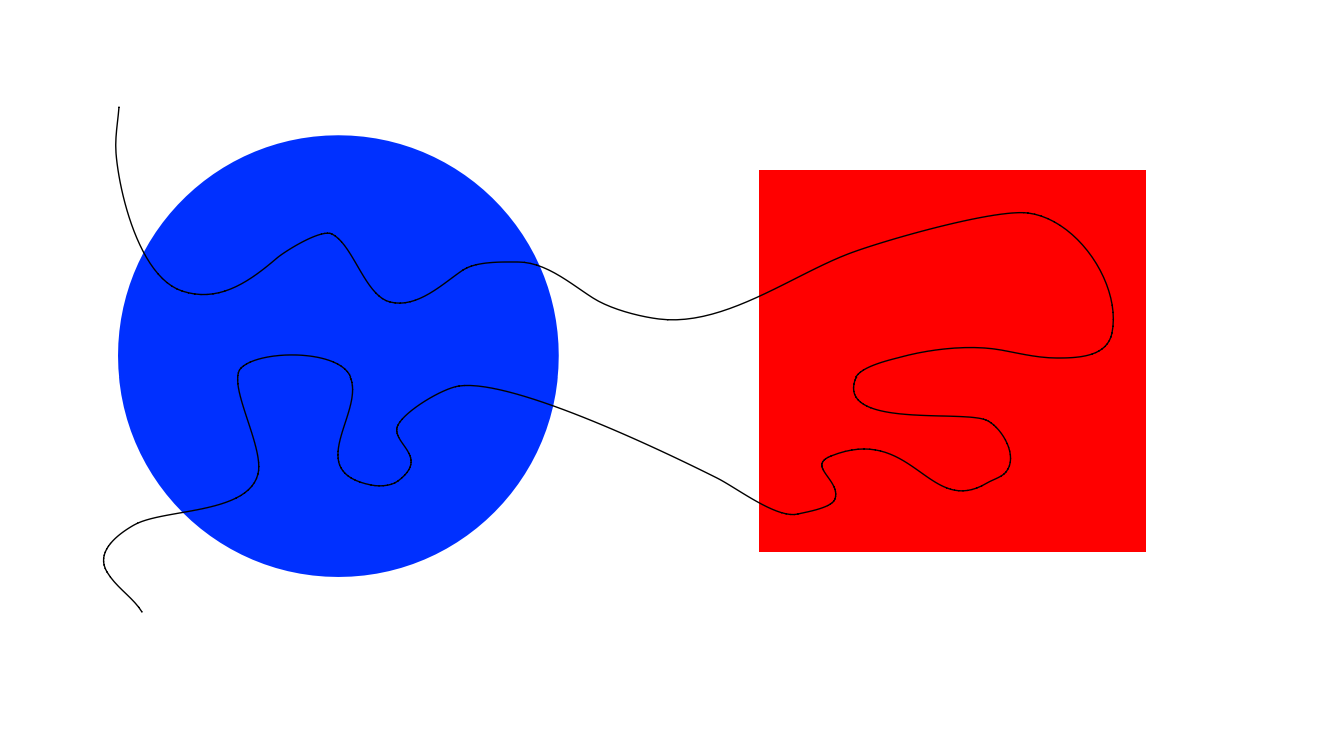
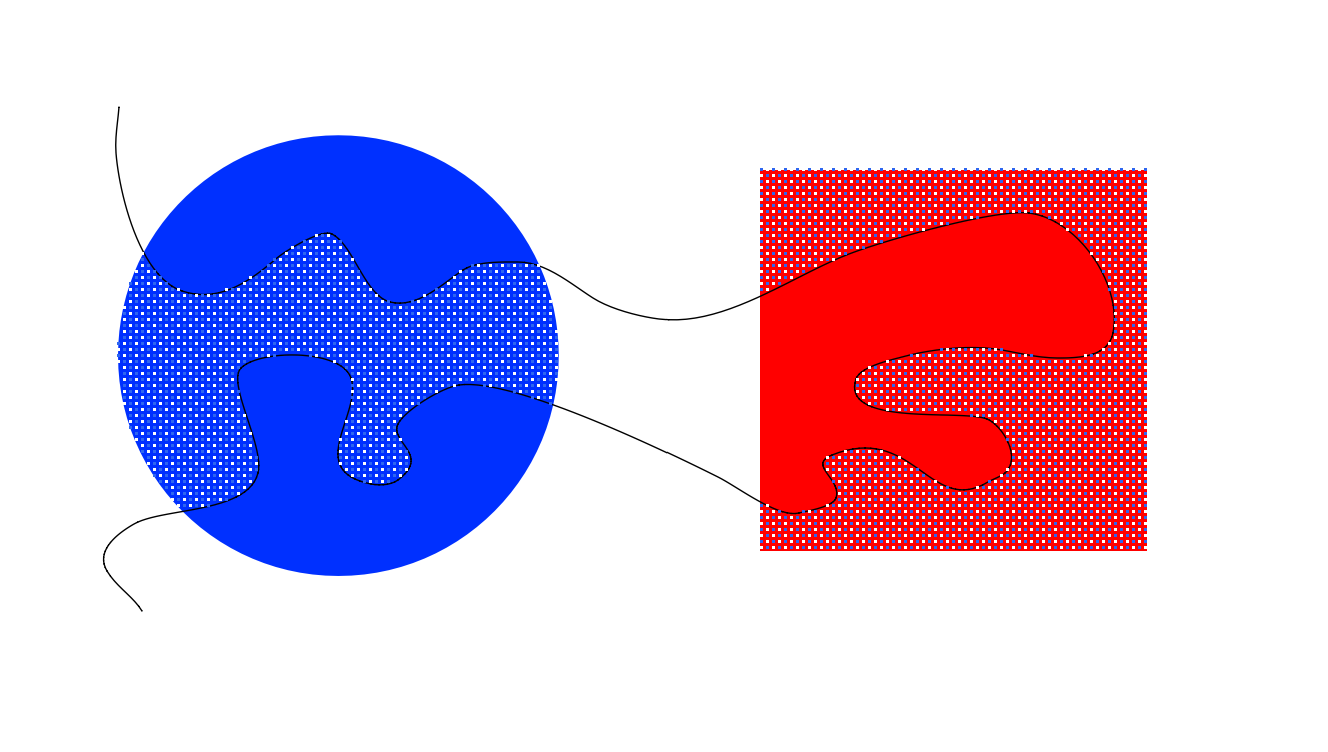
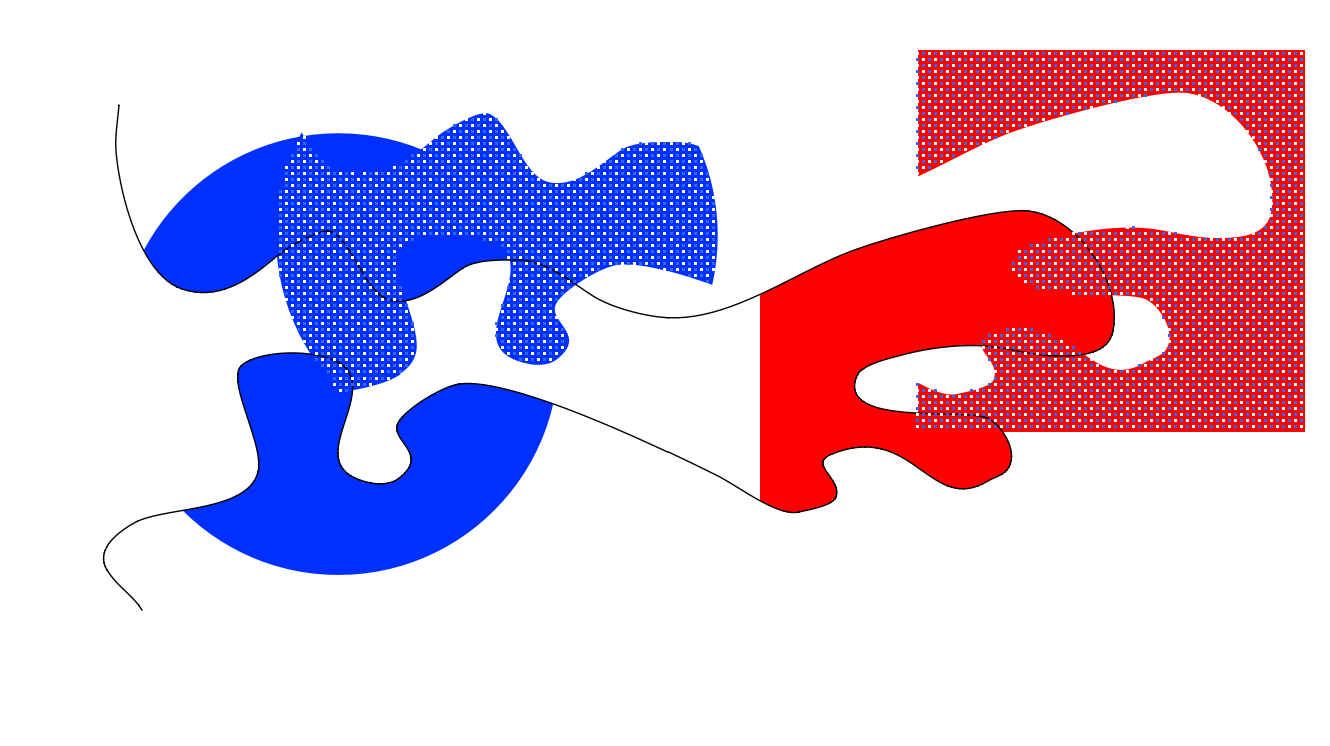
A stroke line will carve, or cut, a fill into separate pieces.
The first two rules hold true with strokes: same-coloured strokes combine, while differently-coloured strokes cut each other.
Protecting Shapes
Section titled “Protecting Shapes”Sometimes you want your artwork to be “protected” so that your shapes don’t interfere with each other. There are several different ways to accomplish this:
- Drawing Objects
- Groups
- Symbols
- Layers
Next: Symbols