FigCraft
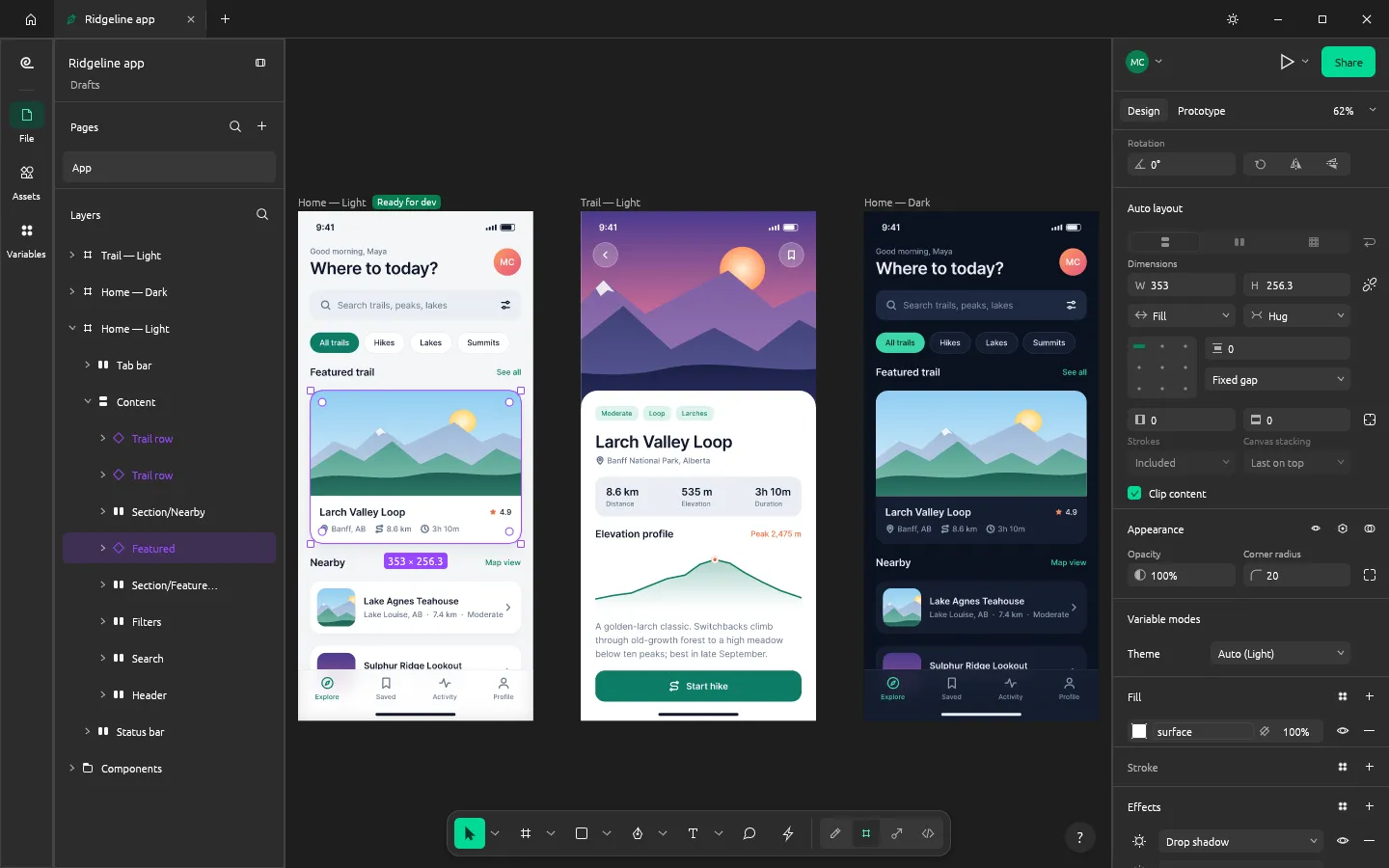
FigCraft is an app for designing interfaces: app screens, websites, dashboards and design systems. You lay out frames, build reusable components, wire screens together into a clickable prototype, and hand the result to developers. It runs on Windows, macOS, Linux, FreeBSD and in a web browser. It is free and open source (MIT or Apache-2.0), and made by the ArtCraft team.
What it does
Section titled “What it does”- Layout: frames, auto layout (rows, columns, wrap and grid), constraints and layout grids.
- Components: main components and instances, variants, component properties and an Assets panel.
- Styles and variables: color, text, effect and grid styles; color, number, text and true/false variables with modes such as Light and Dark.
- Vectors: the Pen and Pencil tools, vector editing, boolean groups and the shape builder.
- Paints and effects: gradients, image fills, blend modes, shadows, blurs, noise, texture and glass.
- Text: edited on the canvas, with mixed styles, lists, OpenType features and right-to-left text.
- Prototypes: interactions, transitions, variables with conditions, and a presentation view.
- Dev Mode: measurements, annotations, ready-for-dev status, and code for CSS, HTML, React and other frameworks.
- Boards: a whiteboard file with sticky notes, shapes, connectors, templates, a timer and voting.
- Live sessions (preview): share a file and edit it together. See Live sessions.
Your files
Section titled “Your files”FigCraft saves its own .figcraft files on your computer. It also opens .fig, .sketch, .penpot and .jam files, design files exported as JSON, SVG, and PNG, JPEG, WebP, GIF and TIFF images. It exports layers as PNG, JPEG, WebP, SVG, PDF or Android vector drawable XML, and can export a whole file as .fig.
FigCraft works offline. There’s no account and no telemetry. Your files only leave your computer if you share them online (see Live sessions).
What you need
Section titled “What you need”- Windows (64-bit, ARM or 32-bit), macOS (Apple silicon or Intel), Linux, or FreeBSD.
- Or a modern web browser, for the web version.
Guides
Section titled “Guides”- Getting started: make and save your first design.
- Install and update: download FigCraft for your system.
- Workflows: auto layout, components, prototypes, Dev Mode, boards and export.
- Live sessions: share a file and edit it with others.
- AI agents: let an AI assistant design with FigCraft.
- Troubleshooting: fix common problems.