Stroke vs Fill
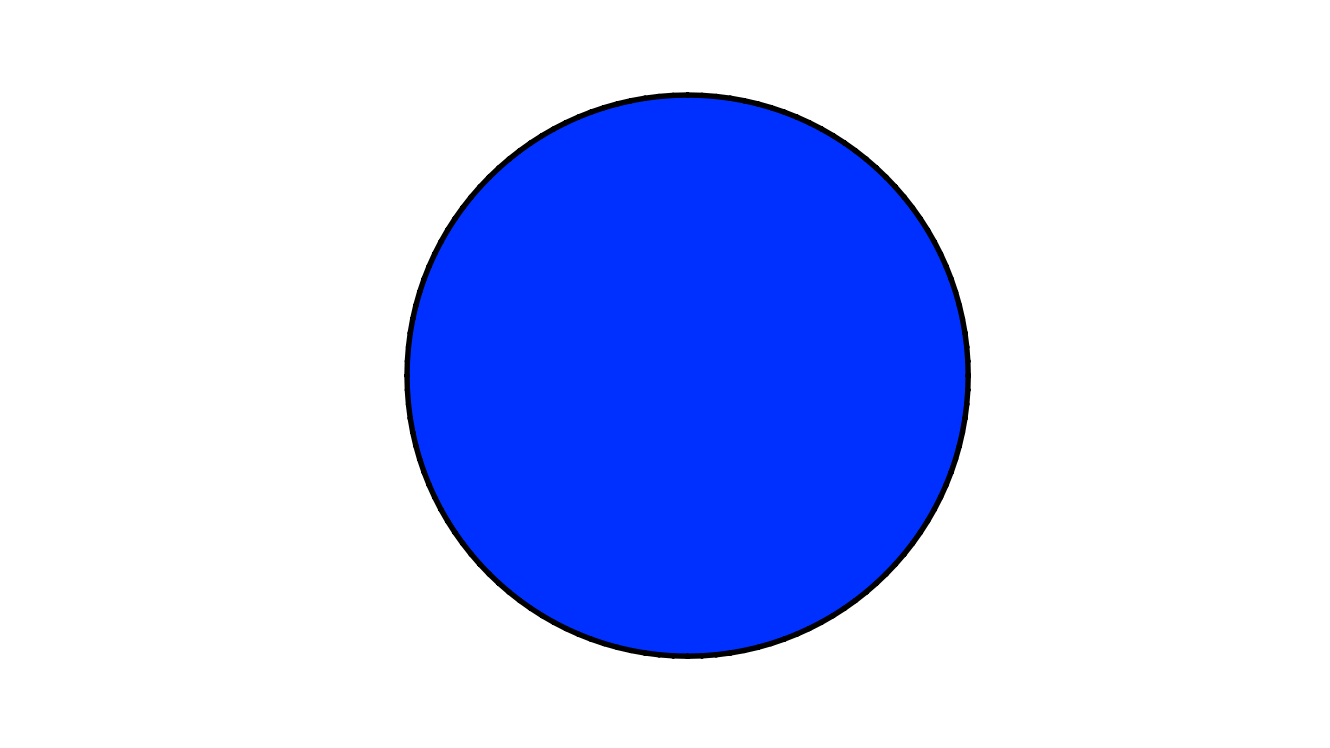
A vector Shape has two components: its stroke and its fill.
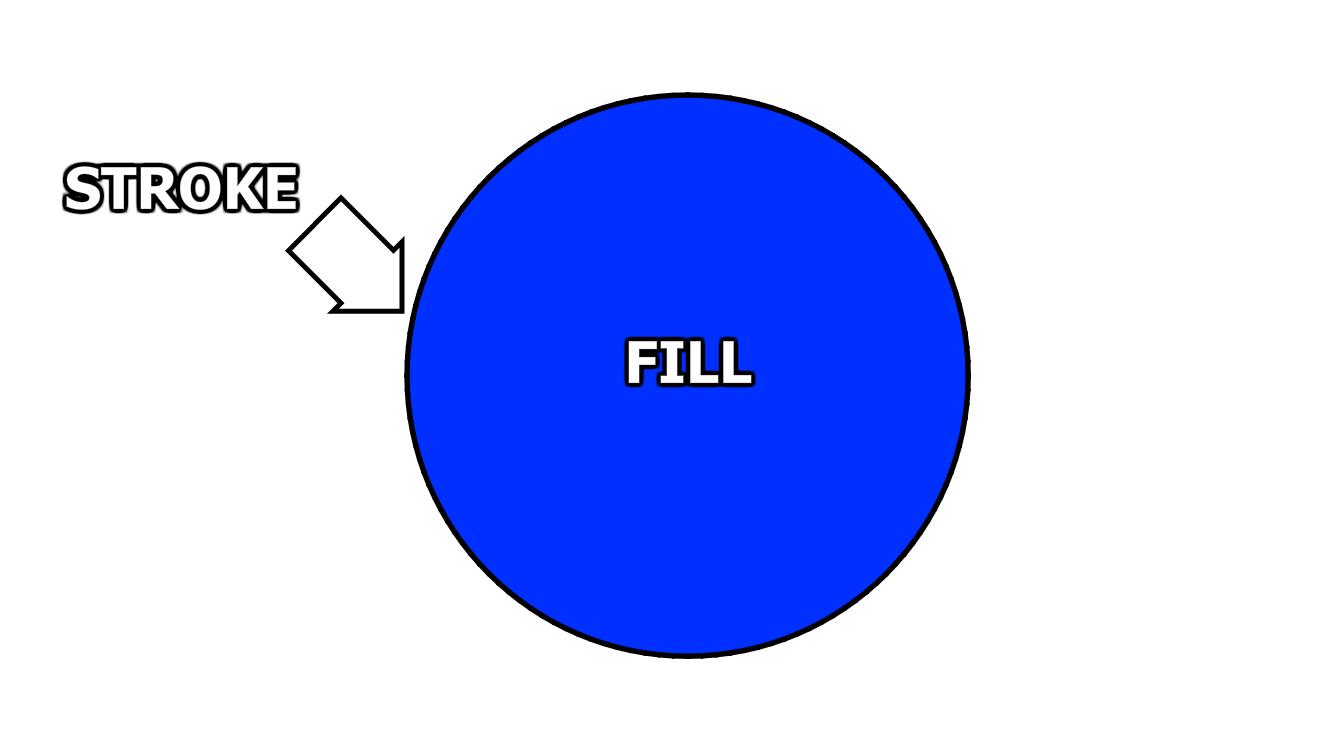
The stroke is the outline around the shape.
The fill is the colour inside the outline.
Even though it looks like the stroke and the fill are part of the same drawing, we can select one or the other with the left mouse button, and click and drag to move them independently of each other.
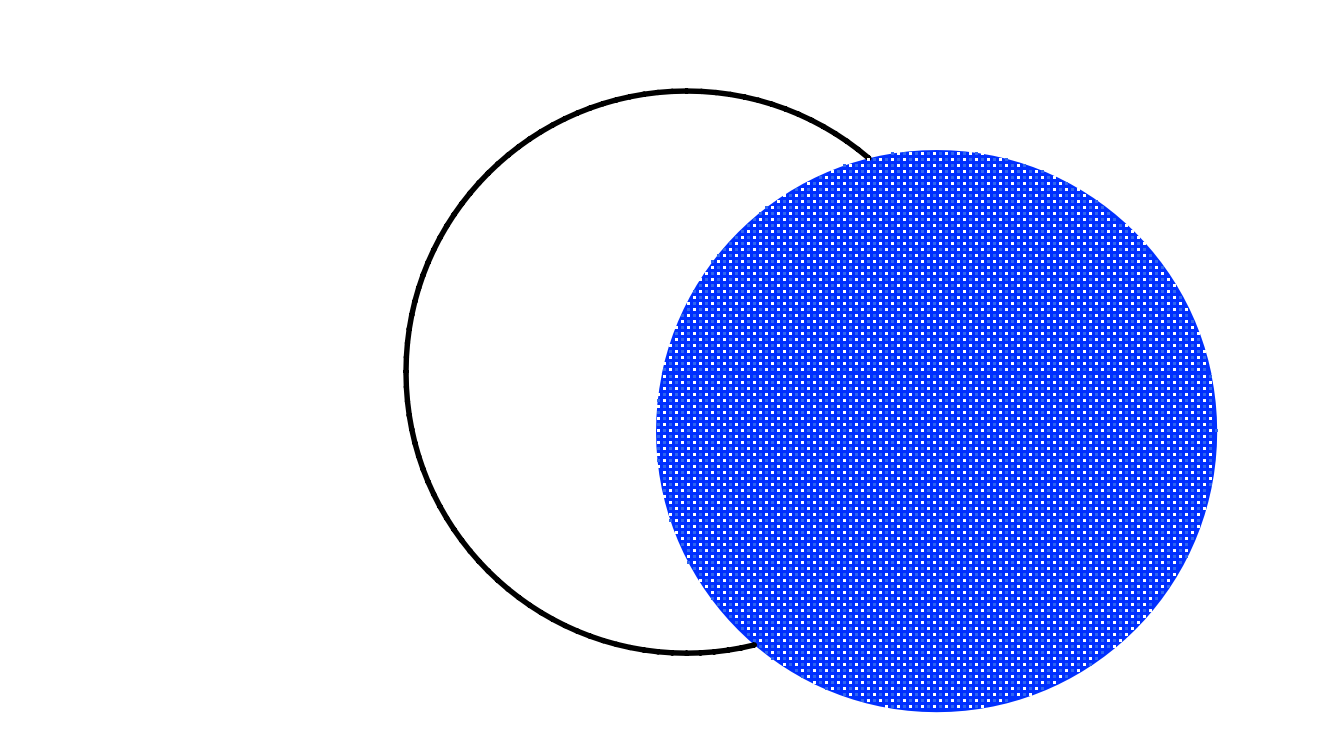
So we can have a stroke with no fill, or a fill with no stroke!
If we want to move the stroke and the fill as one unit that sticks together, we double-click the fill. The stroke is selected along with it.
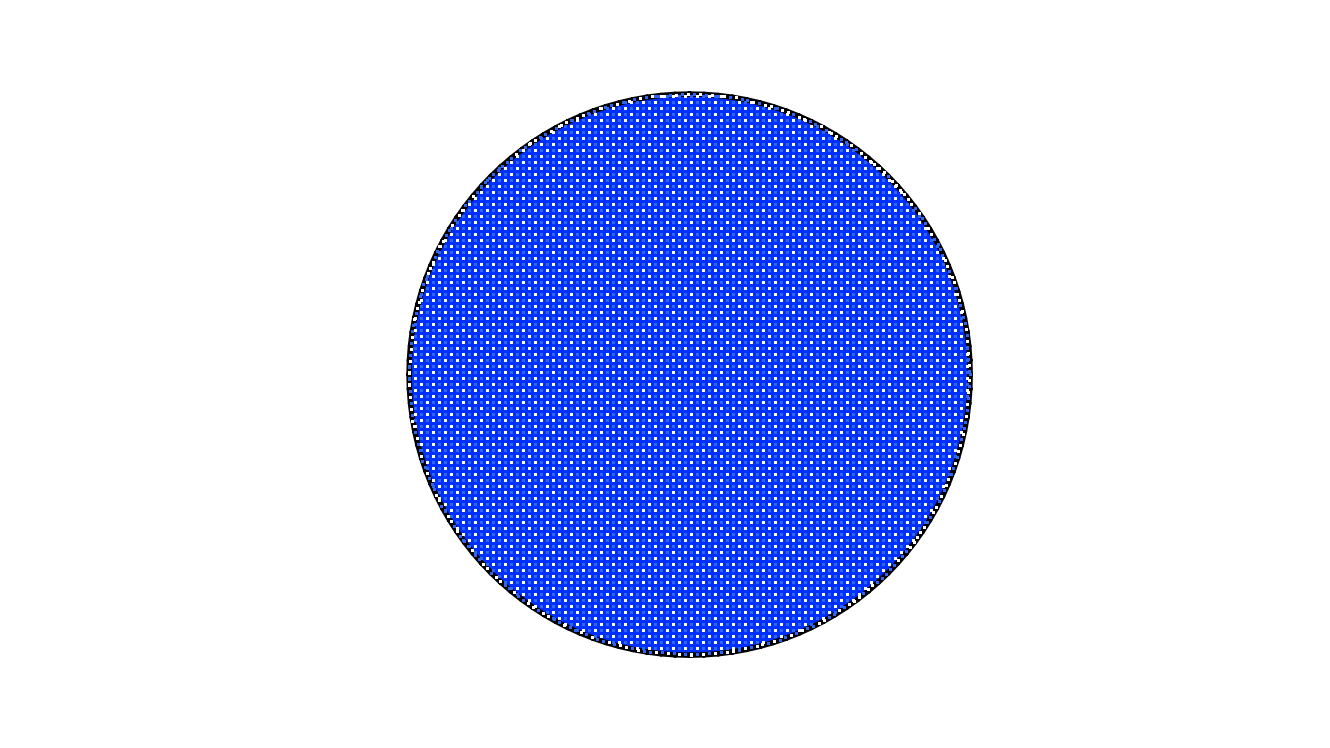
Now we can move the two elements as one unit.
But they really are two separate things. We can change the thickness of the stroke, and give it different colours.
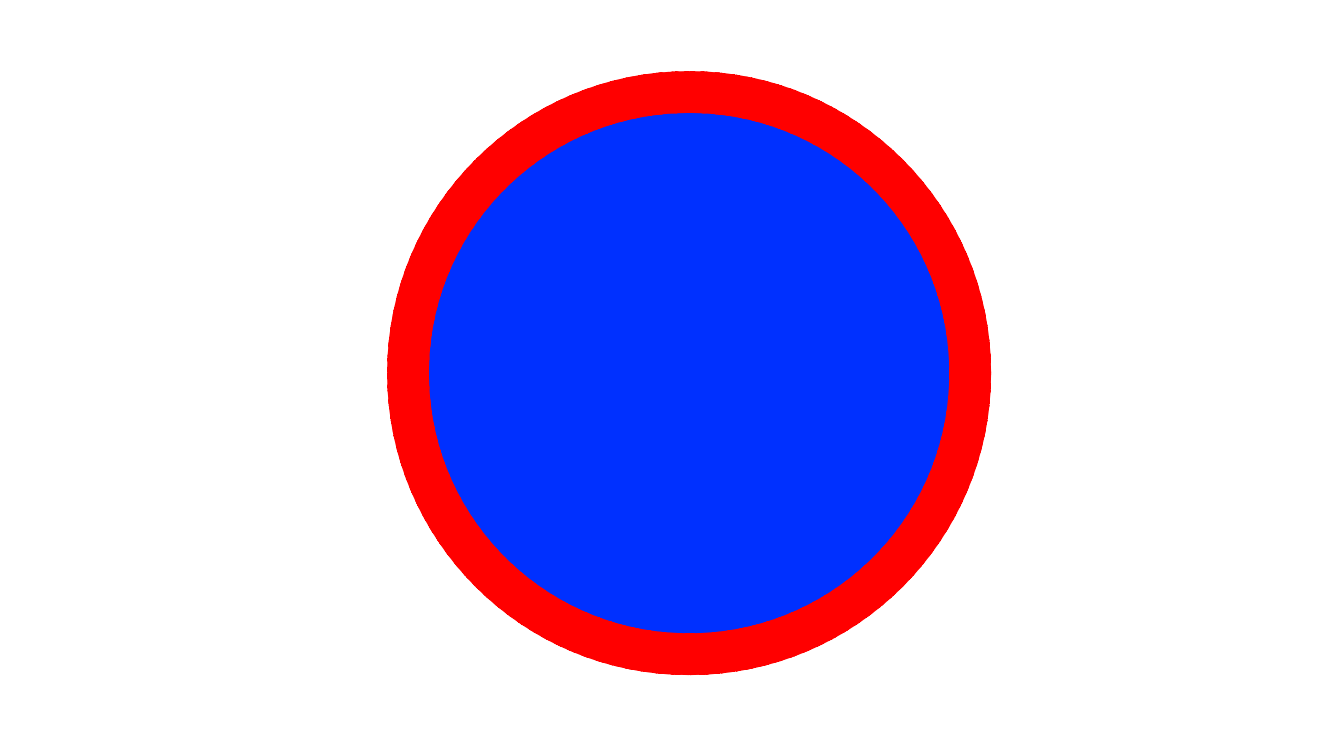
We can scale (shrink) the fill down inside the stroke.
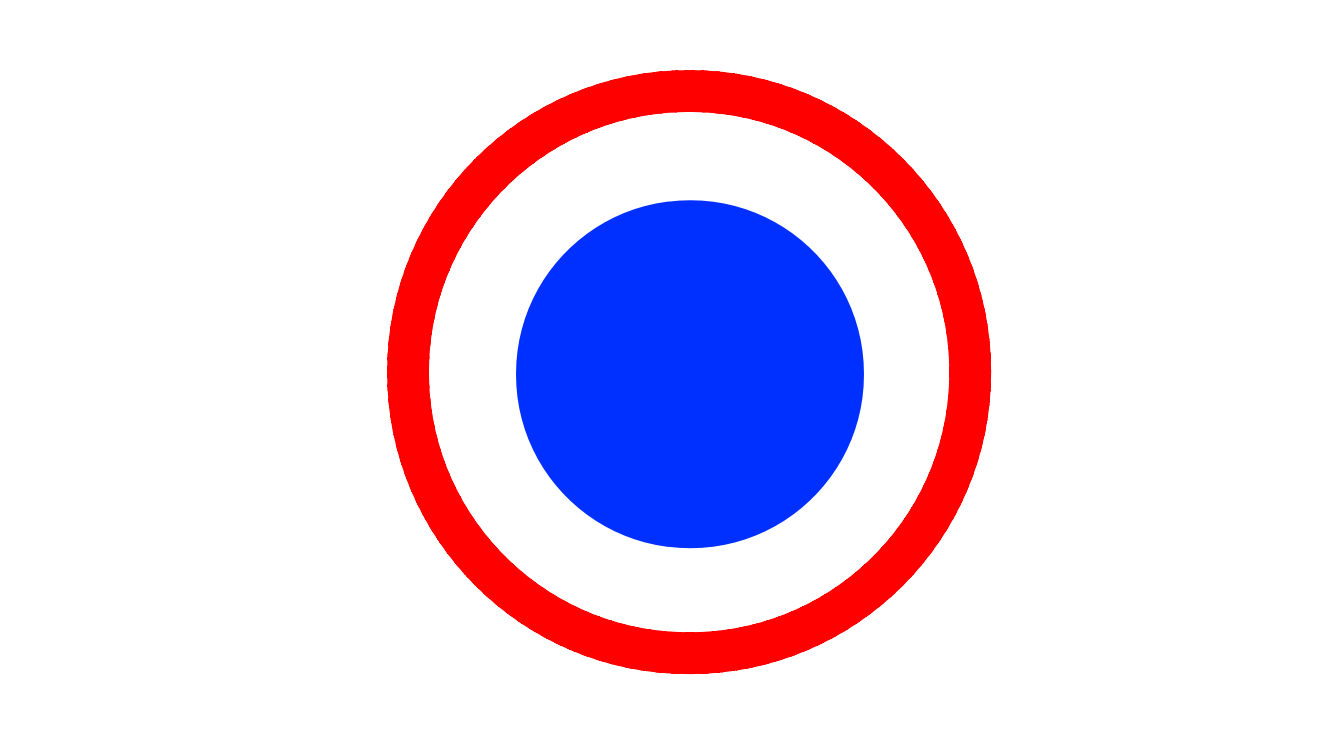
Because the stroke and fill are no longer touching, when we double-click the fill, the stroke doesn’t get selected.
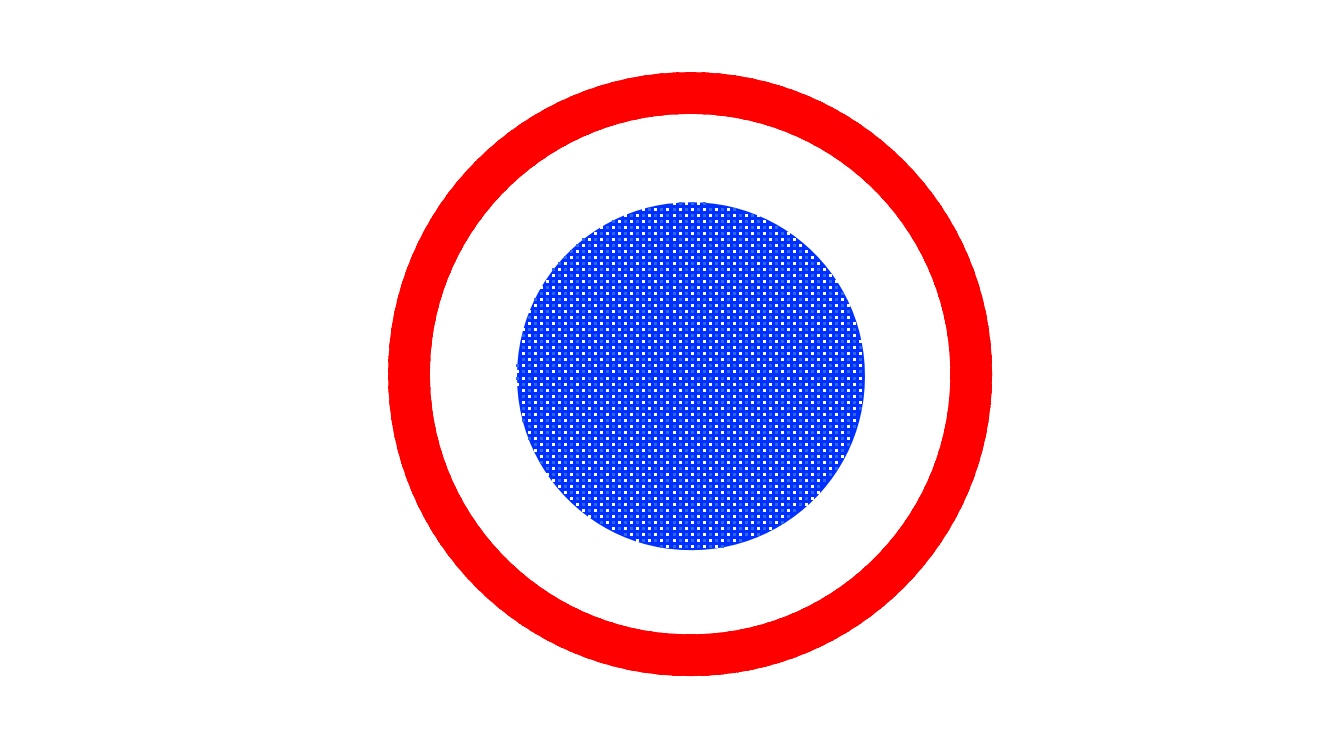
It’s important to keep in mind that strokes and fills are two separate things, because that will help us understand the amazing possibilities of drawing with vectors in AniCraft.